

When to talk to your AI chief of staff by voice
 Baltej Singh8 min read
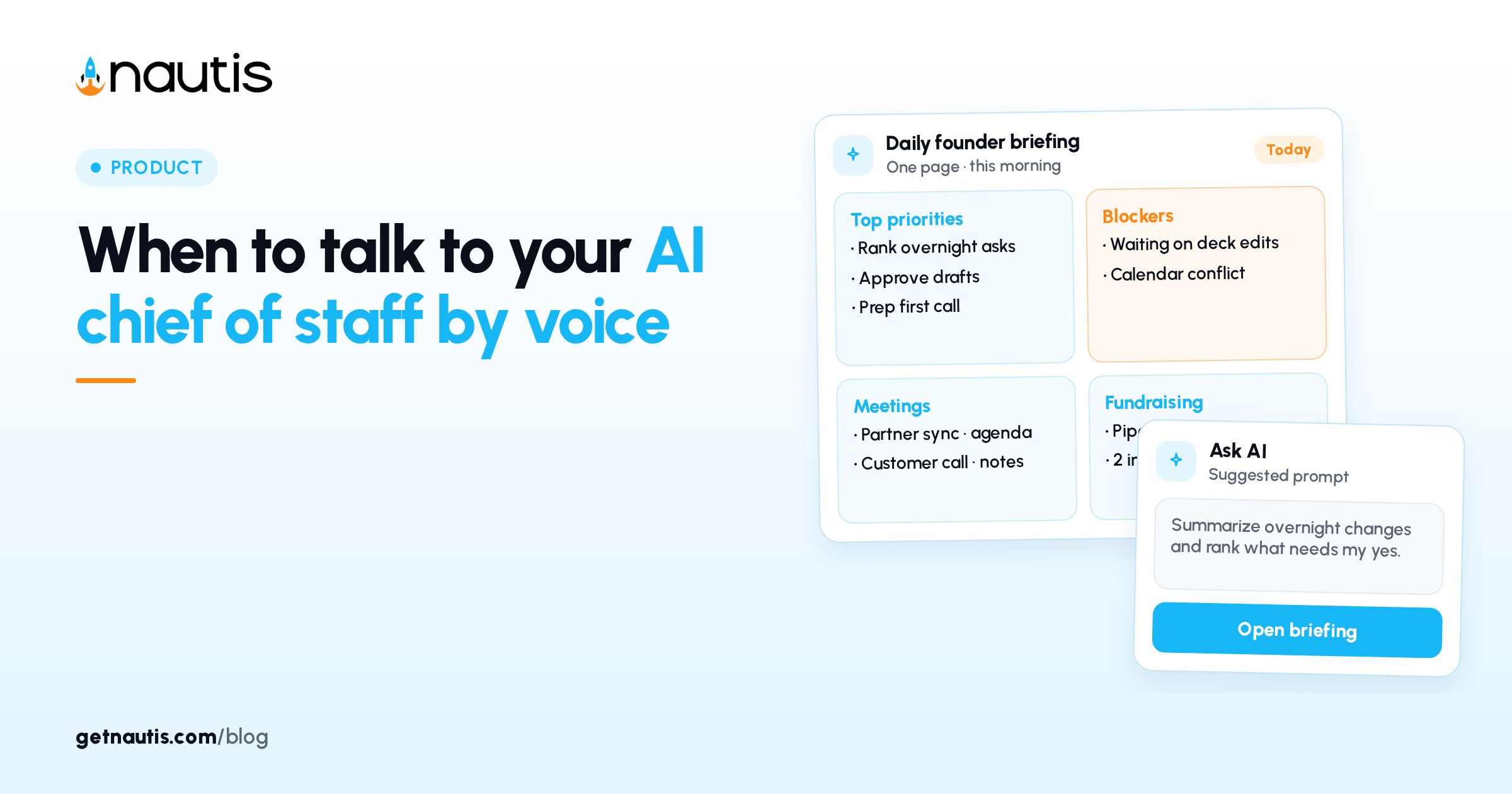
Talk to AI chief of staff by voice when your hands are busy and the next step is still a question, a capture, or an approval you can finish in under a minute. Voice is for walking between meetings, commuting, or clearing a card while coffee cools. It is not for rewriting a board deck, deleting records, or anything you would not want transcribed wrong.
This is product education from Chief of Staff and Chief of Staff on WhatsApp help as of October 2026. WhatsApp is switched on per workspace by Nautis; if you do not see the WhatsApp tab, it is not available for your workspace yet. Nothing here is a promise about every plan or region.
When talk to AI chief of staff by voice helps
Use voice when three conditions hold:
- You need a fact from the workspace or a small action drafted
- You can review a transcript or confirmation before anything is saved or sent
- You will clear Approvals the same day so cards do not stack overnight
Good fits: "What is overdue this week?", "Create a task to send the investor update by Friday", a voice note that becomes a task list, a photo of a receipt that becomes an expense draft, listening to the morning briefing headline while you pack a bag.
Poor fits: bulk deletes, multi-step integration work that WhatsApp does not support yet, and sensitive credentials you would rather keep inside the app.
Voice on WhatsApp versus typed chat in the app
Channel | Strength | Keep in mind |
|---|---|---|
WhatsApp voice note | Fast capture while moving | You see a transcript of what was heard before the answer |
WhatsApp text | Precise edits and Approve / Reject taps | Same ask-first rules as voice |
In-app Chief of Staff chat | Full workspace context and longer threads | Better for delicate wording |
Briefing Listen | Spoken read of the daily headline | Playback uses its own AI credits |
Voice replies are optional. In the WhatsApp tab you can turn on answering voice notes with a voice note (or send /voice on). You still get the text. Turn replies off when you are in a quiet office and need silence more than speed.
Ask-first still applies when you speak
Anything that creates, changes, or sends something waits for Approve first. On WhatsApp you get a message that shows exactly what will happen, with Approve and Reject. Emails, messages, and social posts show recipients, subject, and full text before you approve. Several related changes can arrive as one numbered plan with Approve all.
If the transcript misheard a name or amount, correct it in the thread before you approve. The transcript step exists so a noisy street does not invent a wire instruction. Owners and Admins remain the people who can approve agent actions in the broader Approval Center; your WhatsApp actions still run as you, with your role's permissions.
Connect WhatsApp before you depend on voice
Open Chief of Staff, go to Settings, then the WhatsApp tab, and connect your own number. Click Connect WhatsApp to get a QR code and a one-time LINK message (about ten minutes to expire); scan with the phone camera app, not WhatsApp's Linked-devices scanner, or send the LINK text to the Nautis number shown. Organization Owners and Admins can switch WhatsApp off for the whole workspace. Each person connects their own number and only sees what their role allows.
After you connect, open Chief of Staff → Notifications → Settings and choose what lands on WhatsApp: Briefings (the morning briefing, plus evening debrief or Monday digest when those are on), Approvals waiting, Routine results including failures and pauses, and the Friday receipt of what Chief of Staff did that week. Quiet hours and focus sessions apply to WhatsApp too, with at most twelve notices a day. If you have not messaged in the last 24 hours, WhatsApp may show a short business notice first; tap Show briefing, Review, Show result, or Show summary to open the full update.
A simple voice ritual that stays safe
Morning
Listen to the briefing headline or ask "What needs me today?" while you walk. Open Approvals waiting before you start deep work. Reject or rewrite anything that looks wrong while the context is fresh.
Between meetings
Send a voice note that captures the decision or task in one breath. Approve the draft when you sit down. Do not approve from memory while crossing a street.
Evening
Ask what is still open. Clear leftover Approvals. If a routine paused, fix the input tomorrow instead of forcing a late send from your phone.
What not to do by voice
- Dictate secrets, passwords, card numbers, or investor legal language into WhatsApp
- Approve outward email without reading the full draft on screen
- Stack ten voice notes without clearing the Approve queue
- Expect Gmail or Slack integration actions from WhatsApp; use the app for those
- Use group chats; WhatsApp with Chief of Staff is one-to-one
- Treat a mis-heard transcript as ground truth
If two of those show up in one week, switch that workflow back to typed chat until the habit is clean.
Where Nautis puts the voice loop
Chief of Staff is home to the daily Founder Briefing, Approval Center, and Autonomy settings that decide what agents may do without asking. The sidebar line is plain: nothing acts without your approval for the default ask-first posture.
Chief of Staff on WhatsApp is how you message, send voice notes and photos, and receive briefings or approval cards on your phone when the feature is on for your workspace. Photos without a caption are classified when possible: a business card can become a contact draft, a receipt an expense draft, whiteboard notes a note with task suggestions, and a deck or contract a short summary before you choose the next action. Every save still waits for Approve.
Routines can deliver results and failures to WhatsApp when you opt in, which is why clearing Approvals on voice days matters as much as the morning brief.
Two founder scenes (examples)
Commute clear
Rae records three voice notes on the train: one overdue task, one pipeline question, one draft reminder email. She reads each transcript, approves the task and the reminder, and rejects the email until she can edit the tone at a desk. Approvals are empty before standup.
Pocket autopilot
Omar enables every WhatsApp notification, approves cards without reading while walking into investor meetings, and discovers a mis-addressed note the next morning. He turns voice replies off in the office, limits notifications to Approvals waiting, and forces a typed review for any send.
Neither scene is a promise about your week. They show why talk to AI chief of staff by voice needs the same approve discipline as chat.
Languages, credits, and limits that affect voice days
WhatsApp accepts plain words in English, Hindi, or Hinglish. Transcription follows the languages you set under Chief of Staff → Settings → Voice. Messages, voice notes, and voice replies use AI credits, like chat and Talk in the app. Files up to 15 MB work for common docs and photos; videos, stickers, and locations are not supported yet.
Deleting records stays in the app, never from WhatsApp. That limit is a feature when you are speaking quickly and might say the wrong company name.
Voice versus the AI Voice Coach
Do not confuse WhatsApp voice notes with the AI Voice Coach used for pitch practice. Voice with Chief of Staff is operational: questions, tasks, approvals, and captures from the workspace. Pitch practice is a different module with a different job. Keep the tools separate in your head so a commute note does not turn into an accidental rehearsal file, and a rehearsal does not get mistaken for an approved company action.
If you need both in one day, finish the operational Approvals first. Practice second. Mixing the two mentally is how a draft pitch line ends up in a customer email.
Shared phones and shared workspaces
Connect only a number you control. Connecting needs your Nautis sign-in and a message from the phone. If a phone changes hands, disconnect in the WhatsApp tab or send STOP. People in more than one workspace should confirm which org WhatsApp acts in with /org before they approve anything that spends money or emails outsiders.
Owners who want a quieter company can turn off Allow WhatsApp in this workspace. Linked numbers can stay linked while the feature is off for everyone, which is useful during an incident review.
Same-week install for voice without chaos
- Confirm the WhatsApp tab exists for your workspace
- Connect your number and send a harmless test question
- Set Voice languages you actually speak
- Turn on Approvals waiting notifications; keep the rest optional
- Practice one voice note → transcript → Approve loop on a low-risk task
- Decide when voice replies are on versus off
- Block five minutes after any voice session to clear the Approve queue
- Review Friday whether voice reduced friction or created silent mistakes
Talk to AI chief of staff by voice when speed helps and review stays real. Keep creates, changes, and sends behind Approve, and treat a noisy transcript as a draft, not a decision.
If Approvals wait more than a day, pause new voice asks until the queue is clear. Speed without clearance is just a taller pile.
Frequently asked questions
When should I talk to AI chief of staff by voice?
Use voice when your hands are busy and the next step is a short question, capture, or approval you can finish quickly. Read the transcript, then approve creates, changes, and sends. Switch to typed chat for delicate wording or anything you would not want misheard.
Does a voice note run actions automatically?
No. Anything that creates, changes, or sends something waits for Approve first. You see what will happen, including email text and recipients when relevant, before you tap Approve or Reject.
Why do I not see the WhatsApp tab?
WhatsApp is switched on per workspace by Nautis, and Owners or Admins can turn it off. If the tab is missing, ask an Owner or Admin, or contact Nautis support. Do not assume every workspace has it.
Is WhatsApp voice the same as AI Voice Coach?
No. WhatsApp voice notes talk to Chief of Staff about your workspace. AI Voice Coach is pitch practice. Keep them separate so operational approvals and rehearsal files do not get mixed up.
Sources
- Nautis Chief of Staff help. Checked on October 31, 2026.
- Nautis Chief of Staff on WhatsApp help. Checked on October 31, 2026.
- Nautis Routines help. Checked on October 31, 2026.
Baltej Singh is a serial entrepreneur, technology leader, and Founder & CEO of Nautis and DemoVexa, with over 16 years of experience building software products, SaaS platforms, and startups. Previously the Co-Founder & CTO of SanchiConnect, he has worked extensively in the DeepTech startup ecosystem, connecting with 200+ venture capital firms and supporting a network of 4,000+ startups. Passionate about AI, automation, and entrepreneurship, he focuses on building innovative products that solve real-world problems and help businesses grow.


