

How to set AI that asks before acting on email
 Baltej Singh8 min read
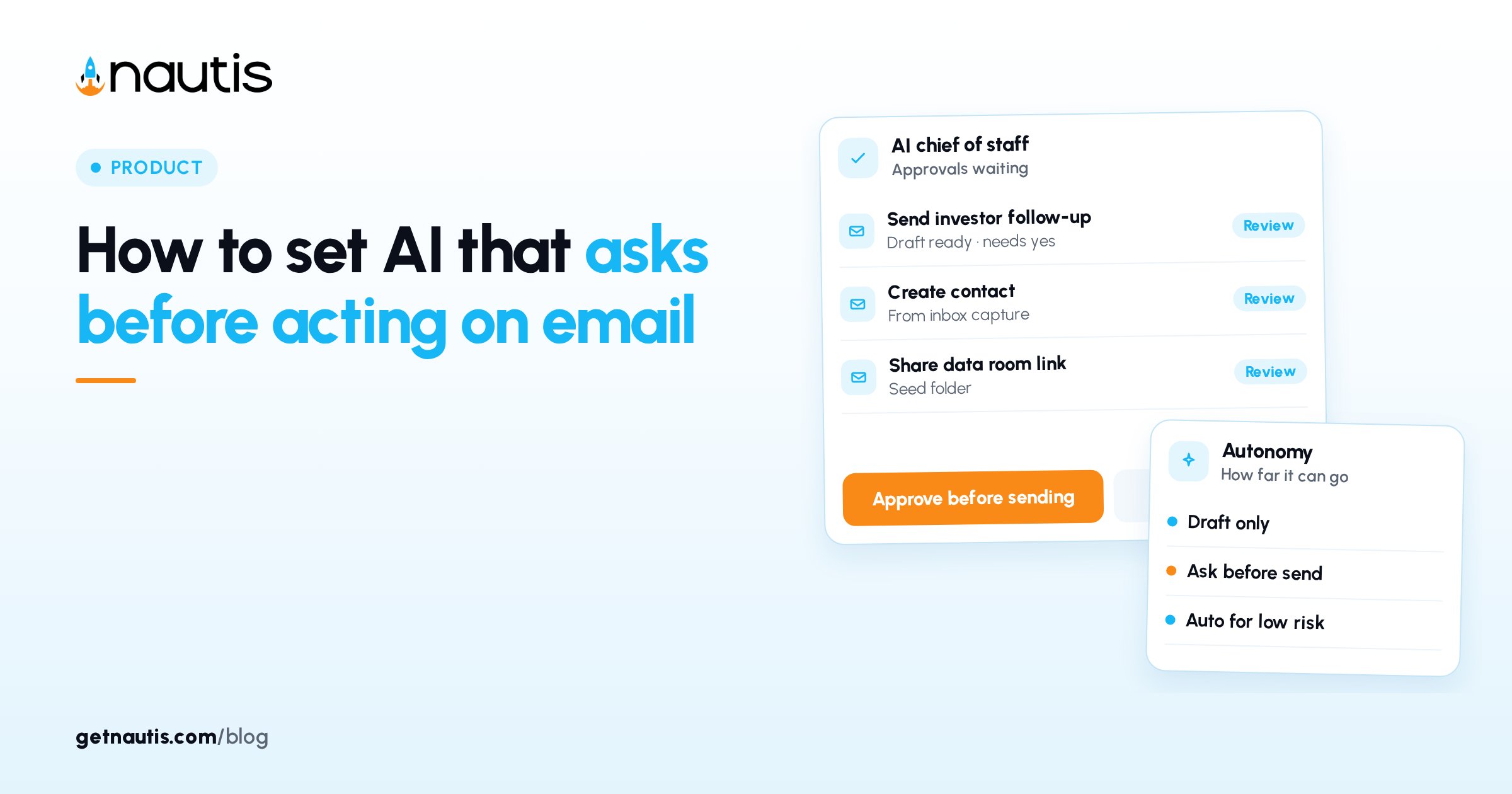
AI asks before acting is the default stance you want on anything that can leave the building, especially email. In Nautis, External capabilities that send or change the outside world should stay on Ask every time until you have a month of clean Approval Center history. Auto-run comes later, and only for actions you would trust a junior operator to fire without a second look.
This guide is for founders wiring MailBox and Chief of Staff so agents draft and propose sends without surprising recipients. It is product education from the Nautis help center as of October 2026, not a promise that every third-party mailbox will behave the same.
Why email is the first place AI asks before acting
Email is high blast radius. A wrong investor update, a customer apology with the wrong name, or a vendor chase sent twice creates cleanup that outlasts the time automation saved. Keep External send-related capabilities on Ask every time while you learn which routines are boring enough to trust.
Internal actions that stay inside Nautis can sometimes move faster, but deleting stays locked to Always asks. Do not treat "the agent is helpful in chat" as permission to auto-send. The sidebar line that nothing acts without your approval is the policy you are encoding in Autonomy dropdowns, not a slogan for the About page.
Founders often flip auto-run because Approvals feel slow at 11 p.m. The fix is a noon clear habit, not a wider permission. Speed without a gate is how polite agents become accidental spokespeople.
Capability map for ask-first email work
Capability type | Typical examples | Safe default | Promote to auto-run only when |
|---|---|---|---|
External send / reply | Outbound mail, follow-up sends | Ask every time | Same template succeeded for 30 days with zero rejects |
External draft assist | Suggested reply text awaiting you | Ask every time | You still click send yourself |
Internal organize | Labels, task creation from mail | Ask every time at first | Mistakes are cheap and reversible |
Delete / destructive | Remove threads or records | Always asks (locked) | Never auto |
Owners and admins set these under Chief of Staff, Autonomy (Agent autonomy). Each capability is labeled External or Internal. Ask every time routes background work to the Approval Center, or shows a confirmation card in chat. Auto-run (no approval) / Run without asking executes and logs to AI Activity, with undo within 10 minutes where supported.
Per-action overrides exist for some capabilities so one sensitive action can stay stricter than its siblings. Use filters in the Autonomy UI to find the mail-related rows instead of guessing from memory. Save changes deliberately; quiet drift is a common postmortem finding after a bad send.
Wire MailBox before you trust any mail agent
Connect Gmail, Outlook, or an allowed IMAP mailbox in MailBox so the agent is working on real folders you can audit. Read, reply, and send from the unified inbox only after the connection is healthy. If the mailbox is half connected, pause routines that mention email.
Name one human owner for Approvals. Anyone with read on Chief of Staff can see briefings; only Owners and Admins approve or reject agent actions and change Autonomy. A company with five people approving ad hoc will ship contradictory tones.
Test with a low-risk thread first: a routine that proposes a draft to yourself or an internal alias. Confirm Show details displays the exact recipients and body you expect. Only then point the same pattern at customers or investors.
Catalog routines first, custom mail jobs later
Start in Routines with catalog templates rather than a custom goal that "handles my inbox." Plan limits apply (for example 5 on Launch, 10 on Voyage, 15 on Fleet; Explore shows your count). Paused routines still count toward the limit.
Prefer schedules you will actually clear: DAILY or WEEKDAYS for triage proposals, WEEKLY for digest-style summaries. Delivery can go to notification, email, a Chief of Staff thread, or Slack when that channel is enabled for the workspace. Whatever the routine wants to change still follows your approval rules. Run history shows Completed, Failed, Waiting for approval, Running, Queued, or Cancelled. Clear Waiting for approval the same day.
Custom jobs wait until catalog runs show a month of clean history: few rejects, no surprise recipients, transcripts you would show a co-founder. If a custom goal needs broad mailbox access on day one, rewrite it into a narrower catalog-shaped job that proposes one kind of message.
Credits matter. When credits run low, pause nonessential routines before you loosen autonomy to push work through. Credit pressure is a frequent reason teams flip the wrong dropdown under time stress.
Clear Approvals before noon every mode-on day
Open Chief of Staff, Approvals (the Approval Center). Each card shows which agent asked, when, the action, and a plain-language summary. Use Show details before you Approve. Approve confirms the agent will execute now with real effects. Reject declines. Cancel request withdraws it. Unattended requests expire; a pile of Expired cards means you automated faster than you governed.
Briefing items can include Approvals. "Do it" on a briefing item creates the same approval pipeline; for owners and admins the tap can approve and run immediately. Make the noon clear a calendar block so Waiting for approval never becomes tomorrow's surprise send.
Pending / All history helps you spot patterns: the same reject three days in a row means the routine prompt or template is wrong, not that you need more auto-run. Keep reject reasons short in a shared note so the next edit to the routine is factual.
Audit AI Activity after any auto-run
Once a week, open AI Governance / the AI Activity log (Owners and Admins). Inspect Auto-ran rows tied to mail. If something ran that should have asked, flip that capability back to Ask every time. Logged detail includes action, status, agent, model, and timing. Pending, Approved, Rejected, Expired, Cancelled, and Logged statuses all matter when you reconstruct a bad send.
Write a one-line autonomy policy in your team doc: External asks, Internal may earn auto-run after review, Deletes always ask. Point new admins at that line before they open Autonomy. Recheck Autonomy every Friday for thirty days after any promotion to auto-run so quiet setting drift cannot reopen surprise sends.
Pair the weekly audit with one real sample open: pick a Completed mail-related run, read the transcript, and ask whether you would have approved that wording cold. If the answer is no, demote before the next scheduled fire.
Promote one template, not the whole inbox
Promotion is a single-row decision. Choose the most boring successful template, leave neighboring External capabilities on Ask every time, and watch that row for another two weeks. If rejects return, demote immediately and fix the template offline. Bundling three promotions hides which change caused the incident.
Document the promoted capability name, the routine id or title, the date you flipped it, and the owner who signed off. That scrap of paper is cheaper than reconstructing settings after a complaint.
Two inboxes, two outcomes (examples)
Ask-first that stuck
Rina kept External mail on Ask every time, ran one catalog triage routine, and cleared Approvals before lunch. After four weeks with zero rejects on a weekly investor-update draft routine, she allowed that single template to auto-run and left everything else asking.
Auto-send that burned trust
Omar turned Run without asking on broadly after two good days. A routine sent a pricing note to the wrong segment. Undo helped where supported, but the relationship repair took longer than the Approval clicks he skipped.
Settings that look safe but still leak sends
- Auto-run on External while Approvals go unread
- Custom "manage my email" goals before catalog history exists
- Multiple admins changing Autonomy without a written policy
- Ignoring Expired approval cards
- Connecting MailBox but never opening transcripts
- Treating Slack delivery of a routine as a substitute for Approvals
- Loosening autonomy because AI credits feel tight instead of pausing nonessential routines
- Promoting three templates at once so you cannot tell which one misfired
Seven-day install so AI asks before acting on email
- Connect MailBox and verify send/receive
- Open Autonomy; set External mail-related capabilities to Ask every time
- Confirm deleting remains Always asks
- Add one catalog routine that only proposes, never silently sends
- Name the Approvals owner and a noon clear habit
- Run for five weekdays; reject anything off-tone
- Weekly: skim AI Activity; demote any surprise auto-run
- Only after a clean month, promote one boring template to auto-run
If WhatsApp or other channels are enabled on your workspace later, repeat the same External default. Channel sprawl is how ask-first quietly becomes send-first.
AI asks before acting is a product setting and a calendar habit. Email is where you prove both before you widen autonomy.
Keep the raise and ops checklists pointing at the same autonomy one-liner so hiring a new admin cannot silently widen External sends during their first week.
Frequently asked questions
What does AI asks before acting mean in Nautis?
Capabilities default so agents propose actions for approval instead of changing the outside world on their own. Under Autonomy, Ask every time sends work to the Approval Center or a confirmation card. Auto-run is optional and fully logged.
Should email ever auto-send?
Only after a specific template has a clean history and you still accept the blast radius. Keep other External mail capabilities on Ask every time. Deleting remains Always asks and should never be automated.
Who can change Autonomy and Approvals?
Organization Owners and Admins change Autonomy and approve or reject agent actions. Other members may see briefings with read permission, but approval authority stays with owners and admins.
Where do I audit what the email agent did?
Use the Approval Center for pending asks and AI Governance / AI Activity for what already ran. Open transcripts on routine runs that show Waiting for approval or Completed so you can see recipients and wording.
Sources
- Nautis Chief of Staff help. Checked on October 31, 2026.
- Nautis AI Governance help. Checked on October 31, 2026.
- Nautis Routines help. Checked on October 31, 2026.
Baltej Singh is a serial entrepreneur, technology leader, and Founder & CEO of Nautis and DemoVexa, with over 16 years of experience building software products, SaaS platforms, and startups. Previously the Co-Founder & CTO of SanchiConnect, he has worked extensively in the DeepTech startup ecosystem, connecting with 200+ venture capital firms and supporting a network of 4,000+ startups. Passionate about AI, automation, and entrepreneurship, he focuses on building innovative products that solve real-world problems and help businesses grow.


