

How to run a daily founder briefing from one page
 Baltej Singh5 min read
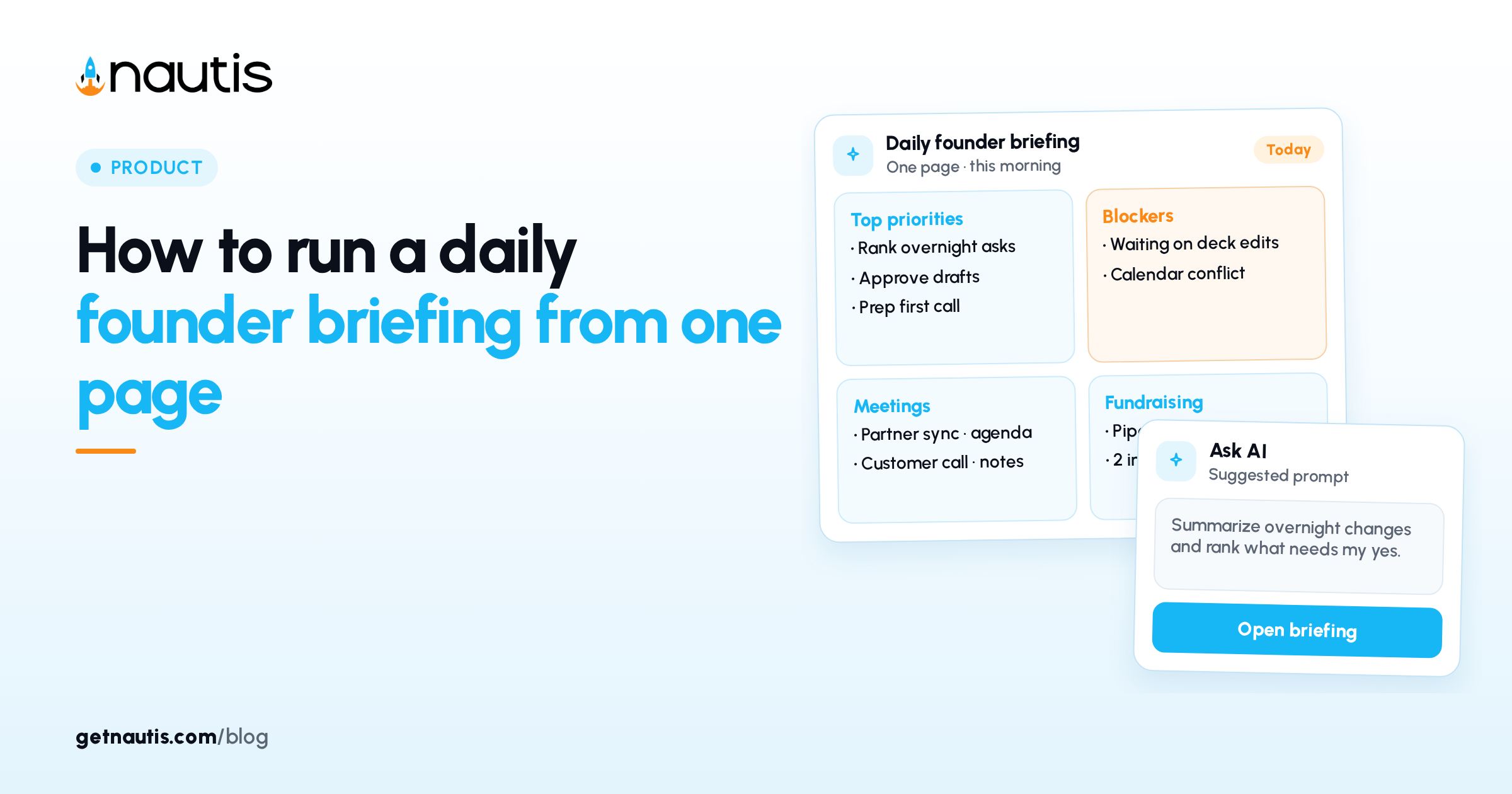
A daily founder briefing should put blockers, pipeline, cash, meetings, and pending approvals on one page before you open chat or email. In Nautis that page is the Chief of Staff Briefing: a morning scan of your workspace ranked into one prioritized list with a one-sentence headline.
Most founders already collect the same facts across five tabs. The cost is not the reading. It is the order. When email lands first, approvals wait. When the CRM opens first, runway waits. A fixed briefing order removes that coin flip.
What belongs on a daily founder briefing?
daily founder briefing content in Nautis comes from across the workspace: task boards, leads pipeline, today's meetings, runway from Startup Health, pending agent approvals, overdue invoices, burnout check-ins, fundraising signals, meeting action items, decision reviews, and more. Sources with no data are skipped.
The Briefing groups items into Priorities, Blockers, Approvals, Pipeline, Today, and Runway. Severity pills mark Critical or Attention. The left rail's At a glance panel shows runway with the change since your last check-in, pending approvals, and Today's mix across priorities, blockers, pipeline, and calendar.
A new briefing generates automatically every morning at 7:00 am in your organization's timezone. Click Refresh to regenerate with the latest data. The list stays cached all day unless you refresh. Generation uses a very small amount of AI credits for the headline sentence; if credits run out, items still appear with a plain fallback headline.
How do you open and use the Briefing page?
Find Chief of Staff
Click Chief of Staff near the top of the sidebar, right under Dashboard. On smaller screens, use the tabs along the top. The Dashboard also shows a Today's briefing card with the headline, runway, a needs approval chip, and the top four items. Click View for the full page. Collapse, refresh, or hide the hero card per browser if you need a quieter Dashboard.
Read in section order
Start with the headline. Then clear Approvals and Blockers before Pipeline and Today. Click any item to open its source module. Use Listen on the headline when you want the spoken version while you make coffee.
Act without leaving the page
From the Chief of Staff docs:
- Do it runs a lookup immediately, or creates an Approval Center card for a change, or opens an editable draft card for email-like work.
- Ask Commodore opens chat with that item's context.
- Mark done, Snooze until tomorrow, or Dismiss (hidden for two weeks) teach the ranking engine what mattered.
The briefing is per-organization. When you mark something done, teammates see the update too. That is intentional: it is the company's day, not a private to-do list.
How do you set up the inputs so the page is useful?
Empty briefings usually mean empty modules, not a broken product. Connect calendar and email during Liftoff so meetings and mail signals exist. Liftoff is the four-step setup on the dashboard: tell Nautis about your startup, connect Google or Microsoft calendar and email, review what it learned, then meet your Chief of Staff. Full steps live in Set up your Chief of Staff (Liftoff).
A calendar is required for booking. Without it, Chief of Staff can only suggest times. Nothing is sent or booked without approval. Email drafts always show a preview you can edit. Chief of Staff never deletes emails or calendar events.
Owners and Admins should also set Priorities under Chief of Staff Settings: Revenue at risk, Runway and burn, Deals and fundraising, Team health, Marketing and brand, and Everything else. Save once; tomorrow's briefing uses the new weights. Done, snooze, and dismiss continue to train the order automatically.
How do weekly and evening views fit a daily habit?
Keep the daily page as the morning default. Past briefings stay under Briefing, including Weekly digest entries generated Monday mornings (last week / week ahead) and Evening debriefs if enabled. Evening debrief runs at 5:00 pm local and is off by default; ask a workspace admin to enable it.
Built-in routines such as Morning Briefing and Monday Weekly Digest can deliver summaries by in-app notification, email, or Chief of Staff chat, still under your approval rules. See Routines when you want the same facts pushed on a schedule without opening the app first.
A simple morning sequence
- Open Chief of Staff > Briefing (or View on the Dashboard card).
- Read the headline and At a glance runway plus pending approvals.
- Clear Approvals in the Approval Center when Owners or Admins need to decide.
- Work Blockers, then Priorities, then Pipeline and Today.
- Use Do it only when you are ready to review the resulting card.
- Mark done, snooze, or dismiss so tomorrow's ranking improves.
- Refresh once if a teammate just landed a deal or invoice after 7:00 am.
If the page says Assembling your briefing, wait under a minute. If it fails, use Try again; your data is untouched. You're all caught up means nothing urgent surfaced across the company right now.
For product detail beyond this habit, use the Chief of Staff help article. Trial access is a 14-day trial with no card; see pricing for Launch, Voyage, and Fleet.
Owners and Admins also get a morning briefing ready notification (and an email controlled by the weekly-digest email preference) when the briefing has anything notable. Items you mark done, snooze, or dismiss disappear from today's view but stay intact in past briefings, which helps when you need to reconstruct why a decision waited.
Frequently asked questions
When is the Nautis daily briefing generated?
A new briefing is generated automatically every morning at 7:00 am in your organization’s timezone. Click Refresh any time to regenerate with the latest data.
Why do two people see the same briefing?
The briefing is per-organization. It is the company’s day, not a personal to-do list. Done, snooze, and dismiss update it for everyone.
What if the page says I am all caught up?
It means nothing urgent surfaced across your company right now. New priorities, blockers, and approvals appear as they come up.
Sources
- Chief of Staff help center. Checked on October 31, 2026.
- Set up your Chief of Staff (Liftoff). Checked on October 31, 2026.
Baltej Singh is a serial entrepreneur, technology leader, and Founder & CEO of Nautis and DemoVexa, with over 16 years of experience building software products, SaaS platforms, and startups. Previously the Co-Founder & CTO of SanchiConnect, he has worked extensively in the DeepTech startup ecosystem, connecting with 200+ venture capital firms and supporting a network of 4,000+ startups. Passionate about AI, automation, and entrepreneurship, he focuses on building innovative products that solve real-world problems and help businesses grow.


