What to put in a startup data room
 Baltej Singh8 min read
A data room for fundraising is the labeled pack a partner can diligence without pinging you for every PDF. Deck, financials, contracts, and ownership live in folders with versions and access logs. Surprise dumps into a shared drive teach investors that your house is messy before they ask a single product question.
This is a practical checklist for early startups preparing a seed or Series A process. It draws on public SEC capital-raising education resources as of October 2026 for the broader compliance context, and on Nautis help for how a data room product behaves. It is not legal advice. Counsel should review what you share and what your offering pathway allows you to disclose.
Treat the room as part of your offering hygiene, not as a marketing site. The SEC's small-business capital-raising resources remind founders that private raises still involve disclosure judgment and exemption pathways. Your room should make truthful documents easy to find, not invent a rosier story than the books support.
What belongs in the room before you send a link
Build the room while you still control the narrative. If the first partner request creates the folder structure, you will upload under time pressure and invent names that never match next week.
Minimum set most diligence processes expect:
- Current deck or memo, dated
- One-pager or FAQ that matches the deck numbers
- Financial model and recent actuals (or bank and burn summary if you are pre-model)
- Cap table export and outstanding convertible instruments
- Key customer or pilot contracts (redacted where needed)
- Incorporation, option plan, and material side letters
- Security or privacy summaries if buyers or funds will ask
Name files with dates. "Deck_final_FINAL2" is how two partners receive different ARR figures.
Folder layout that survives forwards
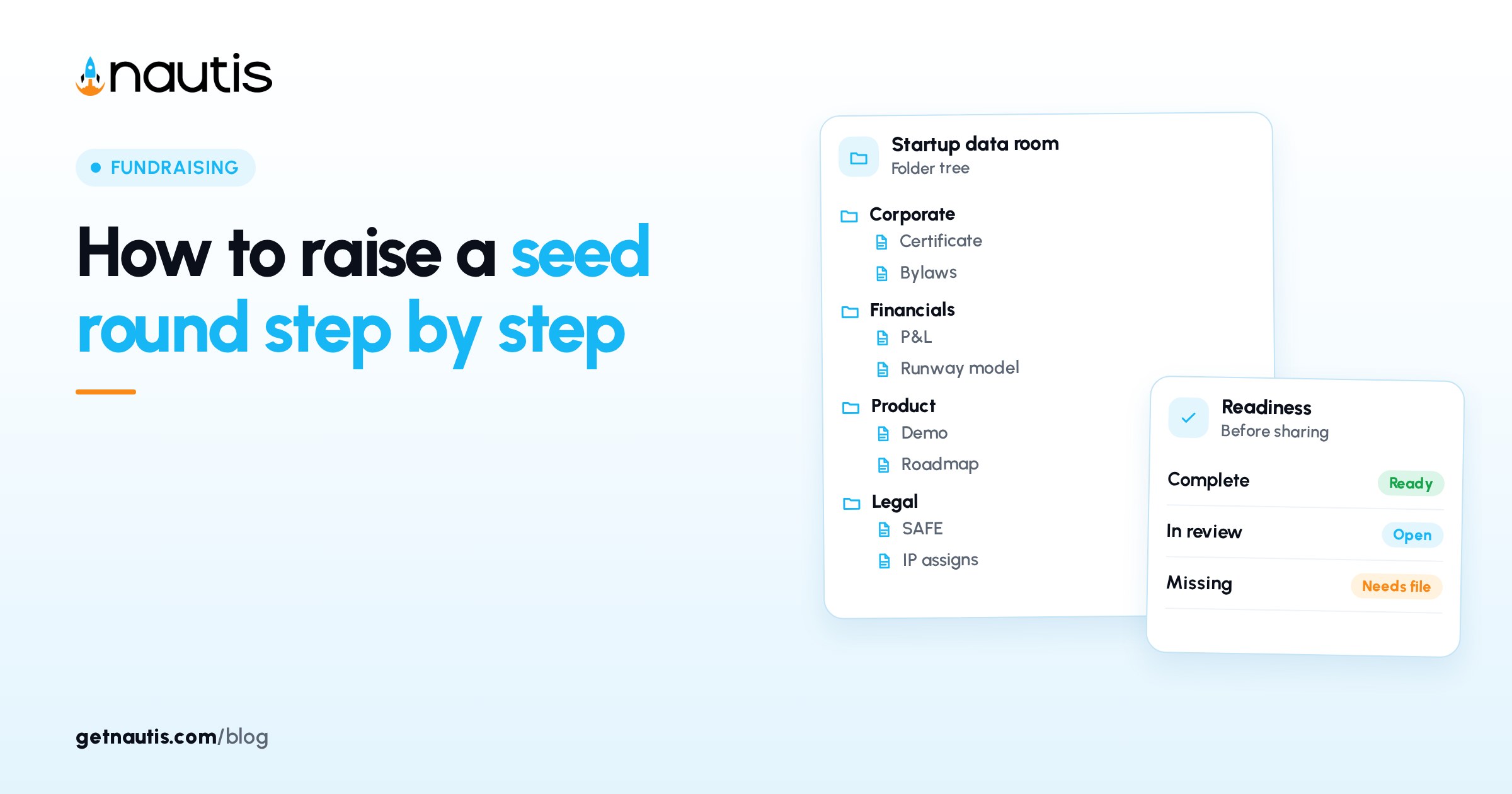
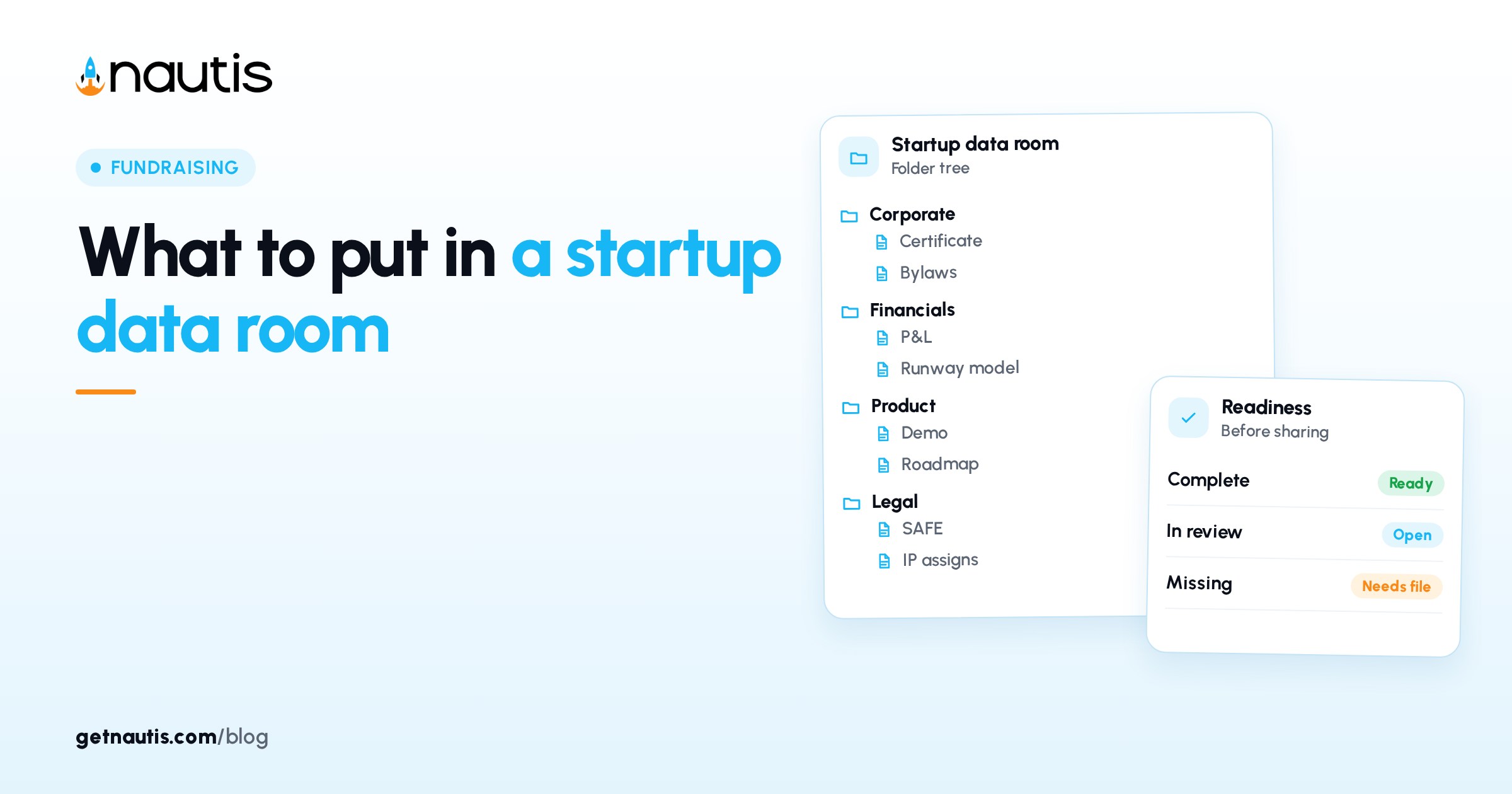
Use boring folder names a stranger can navigate. A workable skeleton:
Folder | What goes in | What stays out |
|---|---|---|
01 Overview | Deck, one-pager, FAQ | Old decks with retired metrics |
02 Financials | Model, actuals, burn and runway note | Personal bank screenshots |
03 Ownership | Cap table, SAFEs, option plan | Draft term sheets mid-negotiation |
04 Legal entity | Certificate, bylaws or articles, IP assignments | Random counsel email threads |
05 Commercial | Key contracts, pipeline summary if you share one | Every CRM export ever |
06 People | Org chart, key offer letters if required | Full HR archive |
07 Product and security | Architecture note, security FAQ | Entire engineering backlog |
Empty folders are fine. Mystery zip files are not. If a document is not ready, leave a one-line README that says what is coming and when, rather than uploading a half-wrong draft.
Version control is part of diligence hygiene
Every material number should have one current file. When metrics move, replace with a new dated version and keep history if your tool supports it. Do not leave three "current" decks in Overview.
Before each major share, spot-check that the deck, the model, and the FAQ agree on revenue, burn, and runway. Partners compare those three first. Mismatch is a readiness failure even when the product is strong.
Assign one owner for "current pack" status. That person is the only one allowed to mark a file current in Overview. Everyone else proposes uploads into an Intake folder for review. Without that gate, well-meaning teammates recreate the FINAL2 problem inside a prettier UI.
Access, links, and what you can see after you share
Share on purpose. Prefer passcode links with expiration when your tool allows it. Turn downloads on only when counsel is comfortable with copies leaving your control. Revoke links when a process ends or a firm passes.
Track who opened what. If a partner never opened Financials, your follow-up should not assume they saw runway. If they spent twenty minutes in Ownership, be ready for conversion and pool questions on the next call.
Internal teammates need named access too. A data room that only the fundraising founder can open becomes a bottleneck the week diligence accelerates.
How a data room for fundraising differs from a shared drive
A shared drive is storage. A fundraising data room is a diligence surface: folders, permissions, expiration, and an activity trail. The SEC's capital-raising education hub stresses that private raises still sit inside securities rules and disclosure judgment; a tidy room does not replace counsel, but a chaotic dump makes counsel's job harder and investors less patient.
Do not treat the room as a place to park every company file "just in case." Diligence speed comes from finding the right twelve documents, not from searching two hundred.
Where Nautis holds the room without running diligence for you
Nautis Data Rooms let you create a named room, upload and folder files, tag and search, share via link or email, set passcodes and expirations, allow or block downloads, and review analytics on who opened which files. Shared Access controls which teammates see the room. Version history sits on each file.
Pair the room with Cap Table so the ownership export you upload matches the live ledger. Use Fundraising CRM to note which firm received which link and when you revoked it.
Nautis does not decide what counsel wants redacted. Upload after that judgment call.
Two room builds (examples)
Labeled before outreach
Rina builds the seven folders two weeks before partner intros. She dates the deck and model the same Monday, redacts one customer contract, and shares a private link with a two-week expiry. Analytics show which firms opened Ownership. Her follow-ups reference what they actually viewed.
Panic upload
Leo creates a blank room after a partner asks for "the data room." He drags a desktop folder named Fundraising into Overview. Three old decks disagree on MRR. The partner emails three clarifying questions that a FAQ should have answered. The process loses a week to cleanup.
Mistakes that make diligence louder
- Uploading every historical deck without an archive folder
- Leaving personal data in contract PDFs you meant to redact
- Sharing a public link with downloads on by default
- Never revoking access after a pass
- Changing numbers in the deck but not in the model
- Using the room as a second Dropbox for unrelated ops files
- Forgetting to mirror SAFE counts from the cap table
If two of those show up, pause new shares until the current pack is consistent.
Redaction and personal data before you upload
Contracts and cap table side letters often contain personal emails, home addresses, or salary figures you did not mean to broadcast. Skim every PDF for names you would not put on a slide. Redact or replace before the first external link goes out. If a partner needs an unredacted copy later, send it on purpose with counsel's blessing, not because you forgot.
Customer logos and case quotes need the same care. Permission to use a logo in a deck is not always permission to drop the full MSA into a widely shared room. When in doubt, keep commercial detail in a narrower subfolder and share that subfolder only with firms in late diligence.
What to do when a partner asks for "everything"
Translate "everything" into a dated list. Reply with the folder map and ask which gaps matter for their process. Many firms have a standard diligence checklist; ask for it. Uploading your entire company drive in response trains the other side to expect noise and makes your real answers harder to find.
If two partners request conflicting formats, keep one master room and export a thin zip only when counsel agrees. Parallel shadow rooms are how numbers diverge again.
Same-week checklist before the first investor link
- Create a room named for the round, not "Documents"
- Build the folder skeleton and delete junk from the upload pile
- Upload dated deck, FAQ, financials, and ownership pack
- Spot-check that headline metrics match across those files
- Set share defaults: private or passcode, expiration, download policy
- Add teammate Shared Access for whoever answers diligence
- Send one test link to yourself and open it on a phone
- Log the live link next to each firm in the fundraising CRM
A data room for fundraising works when a tired partner can find the truth without a scavenger hunt. Keep folders boring, versions dated, access deliberate, and the story identical across every file you still call current.
Revisit the room every Friday during an active process. Remove superseded decks, refresh the date stamps, and revoke links for firms that passed.
When counsel asks for a redaction, replace the file and note the change in a short README in that folder so teammates do not re-share the old copy.
If a partner requests a custom cut of data, add it under a clearly named subfolder and update the FAQ if the cut will recur. One-off emails with new numbers recreate the conflicting-file problem the room was meant to solve.
Frequently asked questions
What should go in a data room for fundraising?
At minimum: dated deck or memo, FAQ, financials, cap table and convertibles, key contracts, entity and option documents, and any security summary partners will ask for. Use labeled folders and one current version of each material file.
How is a fundraising data room different from Google Drive?
A data room is a diligence surface with folder structure, controlled sharing, expiration, and often an activity trail. A shared drive is general storage. Diligence speed comes from finding the right documents quickly, not from dumping every company file.
Should investors be able to download files?
Only when you turn downloads on and counsel is comfortable with copies leaving your control. Many teams start with preview access and widen downloads for firms in late diligence.
When should we build the data room?
Before partner outreach if you can. Building after the first request creates rushed uploads and conflicting versions. Spot-check that deck, model, and FAQ agree on headline numbers before the first live link.
Sources
- SEC: Capital raising education for small businesses. Checked on October 31, 2026.
- Nautis Data Rooms help. Checked on October 31, 2026.
- Nautis Cap Table help. Checked on October 31, 2026.
Baltej Singh is a serial entrepreneur, technology leader, and Founder & CEO of Nautis and DemoVexa, with over 16 years of experience building software products, SaaS platforms, and startups. Previously the Co-Founder & CTO of SanchiConnect, he has worked extensively in the DeepTech startup ecosystem, connecting with 200+ venture capital firms and supporting a network of 4,000+ startups. Passionate about AI, automation, and entrepreneurship, he focuses on building innovative products that solve real-world problems and help businesses grow.