

What is an AI chief of staff for startups?
 Baltej Singh6 min read
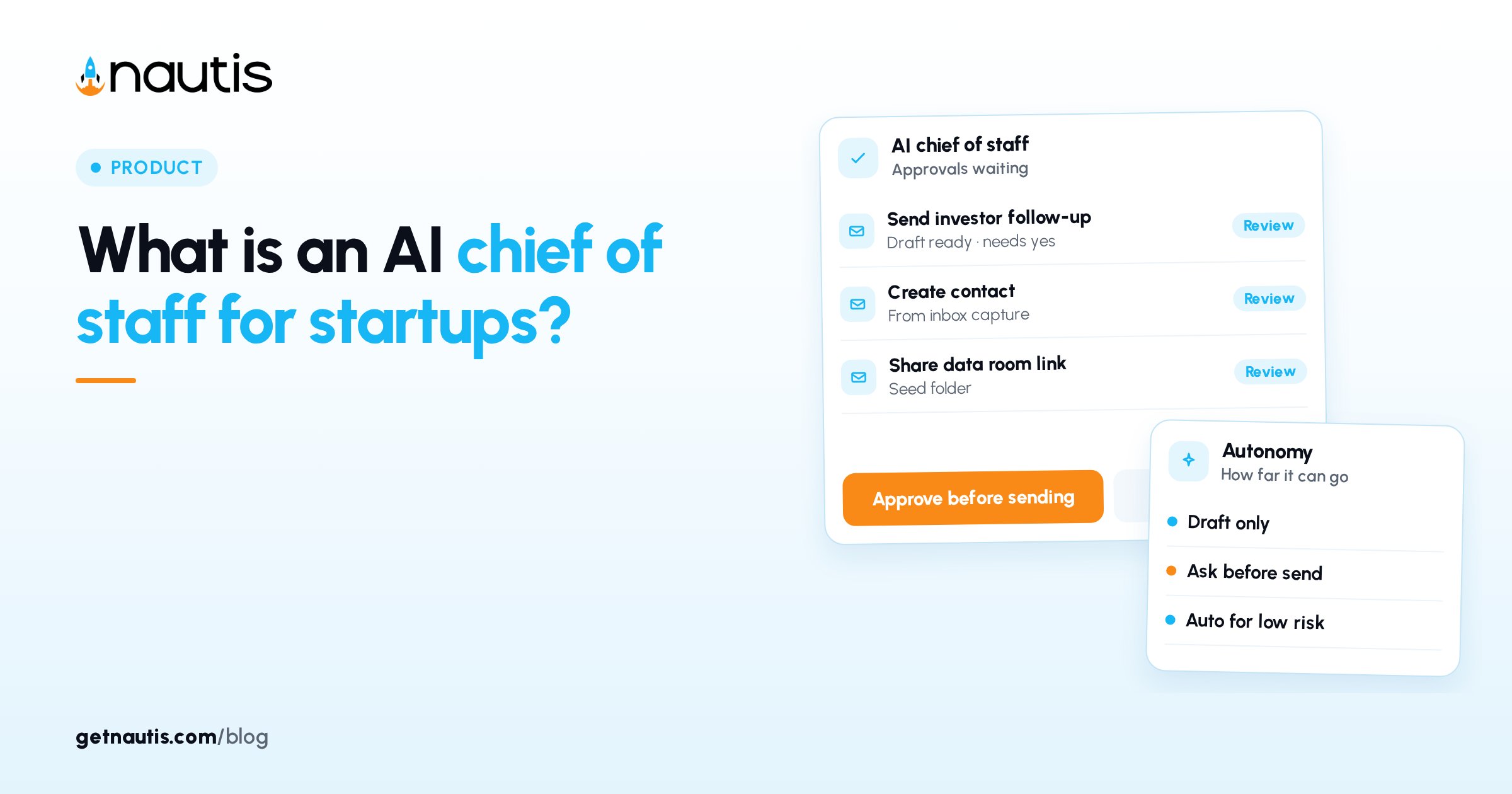
what is an AI chief of staff, in product terms: a workspace briefing layer that reads your company tools each morning, ranks what needs you, and waits for approval before it changes or sends anything. In Nautis that product is called Chief of Staff: one prioritized Briefing, an Approval Center, and Agent Autonomy settings owned by your admins.
Founders usually meet the idea when chat tools start drafting emails and nobody can see what left the building. The fix is not a smarter prompt. It is a daily page that names blockers, pipeline, cash, and pending approvals, plus a rule that external actions stop until a person says yes.
What is an AI chief of staff in practice?
what is an AI chief of staff in a product sense: a module that scans tasks, pipeline, runway, meetings, approvals, invoices, and wellbeing signals, then presents one prioritized list with a one-sentence headline. Nautis regenerates that list every morning at 7:00 am in your organization's timezone. You can hit Refresh any time.
Open Chief of Staff near the top of the sidebar, under Dashboard. The page opens on Briefing. Other views sit in the left rail: Chat, Routines, Memory, Approvals, Notifications, and Settings. A condensed Today's briefing card also sits on the Dashboard; click View to open the full page.
Items group into Priorities, Blockers, Approvals, Pipeline, Today (meetings and calendar), and Runway. Each item shows a severity pill (Critical or Attention) and opens its source module when clicked. The At a glance panel shows runway with the change since your last check-in, pending approvals, and Today's mix.
Anyone with read permission for the Chief of Staff module can view briefings. Update permission is needed to mark items done, snooze, or dismiss. Only organization Owners and Admins can approve or reject background agent requests and change Agent Autonomy. A card from your own chat or from Do it is yours to decide, whatever your role.
How do you read and act on the Briefing?
Read the headline and sections
Open the Briefing view. The headline card summarizes your day in one sentence; click Listen for a spoken version. Work the sections in order rather than jumping into chat. Sources with no data are skipped, so an empty Runway section means Startup Health has nothing to show yet, not that cash is fine.
Use the item actions
Each item offers quick actions from the Chief of Staff help center guide:
- Do it appears when there is an executable action, such as sending a reminder on an overdue invoice. A lookup runs right away. A change creates a card in Chief of Staff chat and in the Approval Center; the item shows Card ready in chat until you approve. If Agent Autonomy lets that action run without asking, it runs immediately instead. A draft, such as an email, always opens a card you can edit first.
- Ask Commodore hands the item to the built-in chat with full context.
- Mark done clears the item and teaches the engine it mattered.
- Snooze until tomorrow hides it until the next briefing.
- Dismiss hides it and keeps it from resurfacing for two weeks.
Done, snooze, and dismiss quietly tune what future briefings prioritize. The briefing is per-organization: your actions update it for everyone on the workspace.
Where do approvals and autonomy fit?
Open Approvals to reach the Approval Center. Anything agents want to do on your behalf waits here; the tab badge shows the pending count. Each card shows which agent asked, when, what the action is, and a plain-language summary. Click Show details to inspect exactly what would be sent or changed.
Owners and Admins can Approve (with a confirmation that the agent will execute now), Reject, or Cancel request. Switch to History to filter All, Approved, Rejected, Expired, or Cancelled. Unattended requests expire on their own.
Under Settings, Agent Autonomy (Owners and Admins only), each capability has two choices:
- Ask every time: you see the action first as a card in chat or voice, or an Approvals entry for background agents, and nothing happens until you approve.
- Run without asking: it runs on its own, is logged in AI Activity, and you can undo within 10 minutes where supported.
AI Copilot deletes stay locked to Always asks. Capabilities are labeled External (touches the outside world) or Internal (stays inside Nautis). Every action, automatic or approved, is audit-logged under Settings > AI Activity. For the log and per-action overrides, see AI Governance.
Default policy: everything starts on Ask every time, with one documented exception. Quick capture (inbox) starts on Run without asking because it only saves a note to your private capture inbox.
How do you set priorities for tomorrow's Briefing?
Open Settings, then Priorities (Owners and Admins). Six sliders shape tomorrow's briefing: Revenue at risk, Runway and burn, Deals and fundraising, Team health, Marketing and brand, and Everything else. Set each from Lower to Top of mind and click Save. Weights also learn from your done, snooze, and dismiss decisions. Changes apply from tomorrow onward.
Past briefings stay under Briefing: daily entries, Weekly digest entries generated Monday mornings, and Evening debriefs if your organization enabled them. The evening debrief (5:00 pm local) is off by default.
How do you turn this on for a new workspace?
Liftoff is the short setup on the dashboard the first time you open Nautis. In four steps it teaches Nautis about your startup and connects calendar and email so Chief of Staff can book meetings and handle mail you approve. The walkthrough is in Set up your Chief of Staff (Liftoff). Nothing is sent or booked without your approval; every email shows a preview you can edit first. Chief of Staff never deletes emails or calendar events.
For role context outside the product UI, read What does a startup chief of staff do?. Trial access is a 14-day trial with no card on the Launch plan.
What this is not
Nautis is an AI business operating system for startups. Chief of Staff is not a human replacement, not an accounting system, and not a promise that agents will invent strategy. It ranks signals you already store and gates writes behind Approval Center and Agent Autonomy. If credits run out, the briefing still generates with a plain fallback headline; items stay intact.
Owners and Admins get a morning briefing ready notification when there is anything notable. If the page says Assembling your briefing, wait under a minute; use Try again if generation fails. Your data is untouched either way.
Frequently asked questions
Where does the Nautis briefing get its information?
It pulls from across the workspace, including task boards, pipeline, meetings, runway from Startup Health, pending approvals, overdue invoices, and more. Sources with no data are skipped.
Can Nautis agents act without permission?
Only what Owners and Admins allow under Agent Autonomy. Everything starts on Ask every time except Quick capture inbox notes. Deletes always ask.
Who can approve background agent requests?
Only organization Owners and Admins approve or reject background agent requests and change autonomy. A card from your own chat or Do it is yours to decide.
Sources
- Chief of Staff help center. Checked on October 31, 2026.
- What does a startup chief of staff do?. Checked on October 31, 2026.
Baltej Singh is a serial entrepreneur, technology leader, and Founder & CEO of Nautis and DemoVexa, with over 16 years of experience building software products, SaaS platforms, and startups. Previously the Co-Founder & CTO of SanchiConnect, he has worked extensively in the DeepTech startup ecosystem, connecting with 200+ venture capital firms and supporting a network of 4,000+ startups. Passionate about AI, automation, and entrepreneurship, he focuses on building innovative products that solve real-world problems and help businesses grow.


