

How to listen to your daily founder briefing
 Baltej Singh8 min read
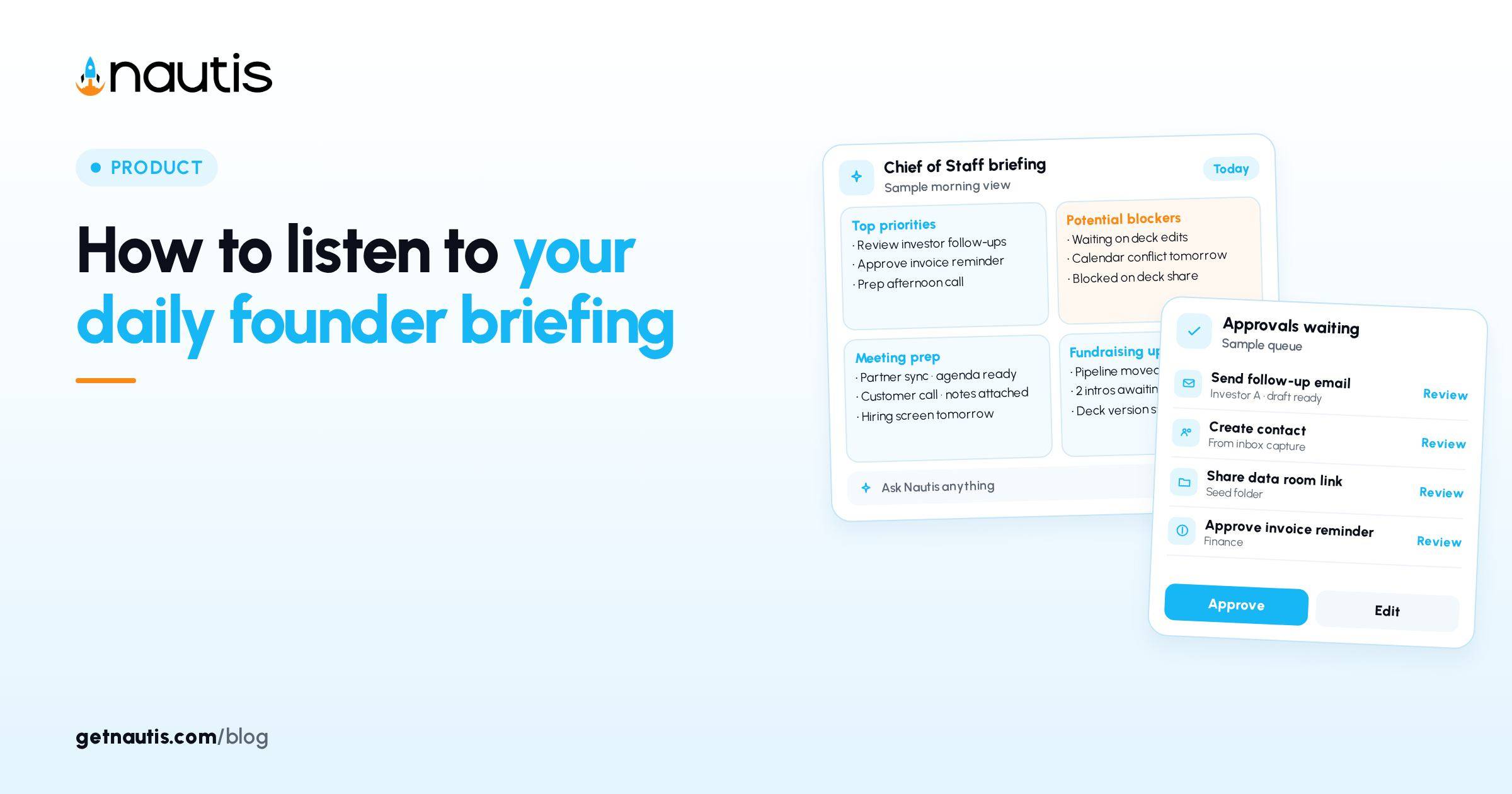
Listen to daily founder briefing is a real product action on Nautis Chief of Staff: open Briefing, use the headline card, and click Listen for a spoken version of the day. This post is a listening ritual so the audio pass drives decisions instead of becoming background noise. It is not a full rebuild of how to run the Briefing page, and it is not legal advice.
Start with Listen, not with inbox
Illustrative founder: Kai (composite only) used to open Gmail first, then skim Briefing if anything felt urgent. Numbers forked. Approvals piled up. The fix was mechanical: after the morning notification, open Chief of Staff (checked 31 Oct 2026) on Briefing, read the one-sentence headline, click Listen, and keep the phone face-down until the spoken pass ends.
Help states the daily Founder Briefing is what changed, what is blocked, and what needs you today, generated from the workspace into one prioritized list with a one-sentence headline. Listen plays the spoken version of that headline card. Voice playback uses its own AI credits, separate from the tiny credit cost of generating the briefing list itself.
If credits for the list headline fall back to plain text, the items still generate. Listen to daily founder briefing still works as a ritual even when the speaker is unavailable: read the written headline once out loud, then apply the same decision table.
Hold Kai's commute. Every section below assumes Listen finished before thumbs hit email.
If the spoken pass is shorter than expected, do not assume the workspace is calm. Open the grouped list once at a desk and scan severity pills (Critical or Attention). Listen is the triage audio. The list remains the system of record for actions.
What you are listening for
Train your ear on four signals in order, matching how Briefing groups items: Priorities, Blockers, Approvals, Pipeline, Today, and Runway.
- Approvals language: anything waiting for a human yes. Clear Waiting for approval the same day after you park.
- Blockers language: work that cannot move without you or a named owner.
- Runway or cash stress: treat as cash, not vibe.
- Today meetings: only the ones that need prep before the next hard stop.
Ignore the urge to redesign Priorities sliders during Listen. Sliders shape tomorrow. Listen is about today.
Illustrative misfire: Kai hears Pipeline anxiety, opens HubSpot on the train, and misses an Approval that expires. The decision table exists to stop that reorder. Approvals and Blockers outrank curiosity about deals while you are still mid-Listen.
Decision table after the spoken pass
What you heard | Immediate move after Listen | Do not do yet |
|---|---|---|
Pending Approvals called out | Open Approvals; Approve, Reject, or schedule | Start a new chat thread about the same send |
Critical Blocker | Open the source module from the item; assign or Do it path | Rewrite the week in Notion first |
Pipeline slip only | Note the account; finish Blockers and Approvals first | Rebuild the whole CRM view mid-commute |
Runway attention | Open Startup Health after you park; verify cash and burn labels | Change spend in Slack from the sidewalk |
"You are all caught up" | Still open Approvals once; confirm badge is zero | Skip Briefing for the rest of the day |
Stale-sounding list | Hit Refresh once you have desk context | Spam Refresh during Listen |
Illustrative Kai rule: if Listen mentions Approvals, the first screen after headphones off is Approvals, not Gmail.
Second illustrative rule: never Approve from memory of the audio alone. Open Show details on the card, edit drafts, then Approve or Reject. Listen creates urgency. The Approval Center creates the control.
Keep Listen honest with generation rules
A new briefing generates automatically every morning at 7:00 am in your organization timezone. The list is generated once and cached; it stays the same all day unless you Refresh. Click Refresh when you know the workspace moved after generation, not because the audio felt incomplete.
Done, snooze, and dismiss on items teach future briefings. Update permission is required for those actions. Owners and Admins decide background agent Approvals and Agent Autonomy. A card from your own chat or from Do it is yours to decide whatever your role.
Do it does not approve anything by itself. For a change, it creates a card in chat and the Approval Center unless Agent Autonomy already allows Run without asking. Drafts always open a card you can edit first. Listen to daily founder briefing does not change those rules; it only changes when you notice them.
For the broader Briefing page habit, see How to run a daily founder briefing from one page and What is an AI chief of staff for startups?.
Illustrative five-day listening log
Illustrative only; not a customer diary.
Monday: Listen flags two Approvals and one Critical Blocker. Kai clears both cards before standup. Pipeline wait until after.
Tuesday: Listen is quiet on Approvals. Kai still opens the Approvals tab, confirms zero, then walks Today meetings.
Wednesday: Listen sounds like yesterday. At the desk Kai Refreshes once after a late invoice sync, hears a new Runway attention line, checks Startup Health cash.
Thursday: headphones die mid-Listen. Kai restarts Listen from the headline rather than skim-reading while walking. Incomplete audio is not a skim license.
Friday: Listen says all caught up. Kai still clears a leftover draft card from Thursday chat, then shuts the loop for the weekend.
Ritual settings that protect listen to daily founder briefing
Put the morning briefing notification where you will see it before email. On the Dashboard, Today's briefing card can jump you into the full page. Collapse preferences are per browser; do not hide the card if Listen is how you start.
If credits for voice playback run out, you still have the written headline and list. Read the headline aloud yourself once, then walk the same decision table. The ritual survives; only the speaker fails.
Protect External sends: keep relevant capabilities on Ask every time until Approvals are a daily muscle. Listen should increase how often you open Approvals, not how often agents auto-send.
Share the habit with co-founders. The briefing is per-organization. Your done and dismiss actions change the list for everyone. Say that out loud so Listen does not become a private podcast nobody acts on.
Illustrative dual-founder split: one person owns the Listen-plus-Approvals pass by 9:00 am local; the other owns Blockers that need product context. Rotate weekly so both stay fluent. Document the split in Notes next to the Chief of Staff link.
Listen to daily founder briefing succeeds when Kai can name, after the audio ends, the first screen to open and the first card to clear. That is the whole ritual.
Write that first screen on a sticky for two weeks: Approvals if mentioned, else Blockers, else Today. Retire the sticky when the reflex sticks. The product already ships Listen. The operating system is the refusal to open inbox first.
Measure the habit for two weeks with a crude count: days Listen finished before email, and Approvals left overnight. If overnight Approvals rise while Listen streaks look perfect, the audio is entertainment. Tie Listen to the decision table until both metrics move together.
Evening debrief, when enabled, is a separate 5:00 pm local habit and is off by default. Do not confuse it with Listen on the morning Briefing. Weekly digest entries live with past briefings and are not a substitute for the daily spoken pass. Keep listen to daily founder briefing as a morning gate, then use weekly digest for the Monday zoom-out.
At a glance on the Briefing left rail can show runway, pending approvals, and Today's mix. After Listen, glance once to confirm the audio matched the badge counts. Mismatch means Refresh or a deep link into Approvals before you trust the spoken calm.
Dashboard Today's briefing card still helps when you are at a desk: headline, runway, needs-approval chip, top items. Use it as a jump point into the full page, then Listen if you have not already. Do not let the card replace the spoken pass on days you are mobile first.
Listen to daily founder briefing is a small button with a large sequencing job. Put headphones on, finish the audio, open the screen the table names, and only then let inbox compete for attention.
Kai's illustrative anti-habit to retire: playing Listen on speaker in a shared kitchen while answering Slack. Partial attention produces partial Approvals. Use headphones, finish the pass, then type. If a teammate interrupts mid-Listen, restart from the headline rather than stitching memory.
Timezone matters. Briefing builds at 7:00 am organization local time. If Kai travels, either keep org timezone stable or accept that Listen may reflect yesterday's cache until Refresh after the workspace moves. Say the timezone choice in the company Note so nobody argues about "missing" morning audio.
Listen to daily founder briefing stays valuable only while Approvals stay empty by lunch. Pair the spoken pass with that finish line and the ritual earns its slot.
Frequently asked questions
Where is Listen?
On Chief of Staff Briefing, the headline card summarizes the day in one sentence; click Listen for the spoken version.
Does Listen replace reading the list?
No. It is triage audio. Open the grouped list at a desk for severity pills and actions.
When should I Refresh?
When the workspace moved after the morning generation. The briefing is generated once and cached unless you Refresh.
What if voice credits run out?
Read the written headline aloud and follow the same after-Listen decision table. The list still generates.
Sources
- Nautis Chief of Staff help. Checked on October 31, 2026.
- How to run a daily founder briefing from one page. Checked on October 31, 2026.
- What is an AI chief of staff for startups?. Checked on October 31, 2026.
Baltej Singh is a serial entrepreneur, technology leader, and Founder & CEO of Nautis and DemoVexa, with over 16 years of experience building software products, SaaS platforms, and startups. Previously the Co-Founder & CTO of SanchiConnect, he has worked extensively in the DeepTech startup ecosystem, connecting with 200+ venture capital firms and supporting a network of 4,000+ startups. Passionate about AI, automation, and entrepreneurship, he focuses on building innovative products that solve real-world problems and help businesses grow.


