How to set a simple startup chart of accounts
 Baltej Singh8 min read
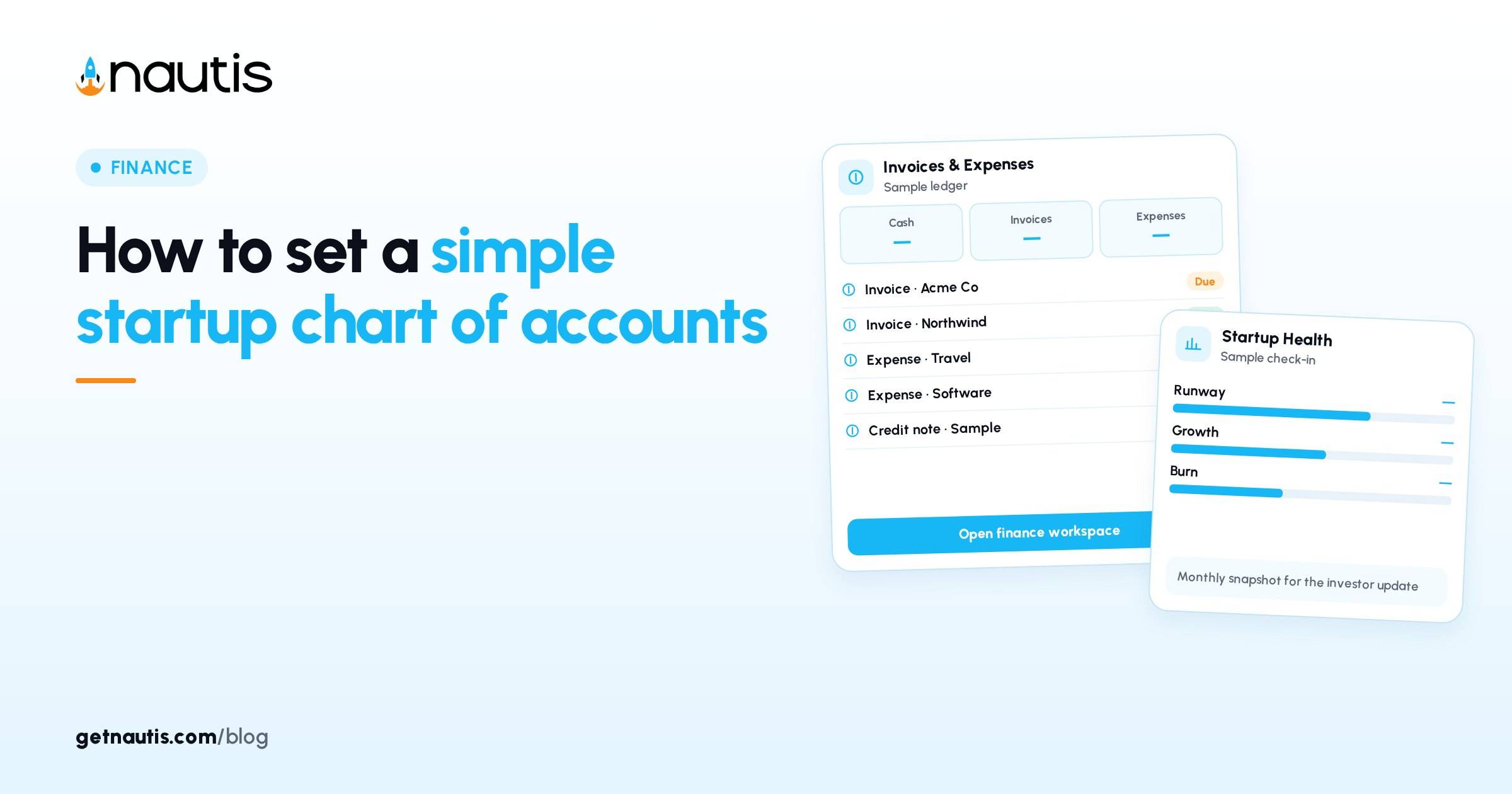
Startup chart of accounts work is the short list of income, expense, asset, and liability buckets your books actually use. It is accounting practice you own with your bookkeeper, not a Nautis product feature and not a hidden Cap Table screen. Nautis Expenses lets admins manage spend categories, budgets, receipts, and approvals so day-to-day coding stays consistent. This post shows how to prune a bloated list into a simple chart, then mirror the spend side into Expenses categories. It is operating guidance. It is not bookkeeping, tax, or audit advice.
Start by deleting half the template
Illustrative founder: Ren at a six-person SaaS company (composite only) downloads a 120-line chart from the internet. Payroll has twelve sub-accounts. Software has one line per vendor. Nobody can code a Stripe fee the same way twice. Startup chart of accounts problems usually begin with too many leaves, not too few trunks.
Rule for week one: if two teammates cannot name the same account for the same receipt in under five seconds, merge or delete the account. Keep parent groups (Revenue, Cost of services, Operating expenses, People, Facilities, Software, Marketing, Professional services, Travel, Other income, Cash, Receivables, Payables). Cut vanity detail until the monthly export fits on two screens.
Hold Ren's prune. The table below is the kept set, not a universal GAAP chart.
If your accountant already issued a longer chart for tax software, keep their full list in the accounting system and still publish this short operating chart for founders. Startup chart of accounts for day-to-day coding can be a view of the full ledger, not a rebellion against the CPA.
A simple chart you can defend
Numbers are illustrative labels for conversation with your bookkeeper, not a filing instruction.
Code (illustrative) | Name | Type | Owner who answers questions | Maps to Nautis Expenses category? |
|---|---|---|---|---|
4000 | Product revenue | Income | Founder | No (income; tracked elsewhere) |
4100 | Services revenue | Income | Founder | No |
5000 | Hosting and infrastructure | Expense | Eng lead | Yes: Hosting |
5100 | Payment processing fees | Expense | Finance | Yes: Payment fees |
6000 | Payroll and contractor labor | Expense | People lead | Yes: Payroll or Contractors |
6100 | Benefits and payroll taxes | Expense | People lead | Yes: Benefits |
7000 | Software subscriptions | Expense | Ops | Yes: Software |
7100 | Marketing and ads | Expense | Growth | Yes: Marketing |
7200 | Travel and meals | Expense | Ops | Yes: Travel / Meals |
7300 | Professional services | Expense | Founder | Yes: Legal / Accounting |
7400 | Office and facilities | Expense | Ops | Yes: Facilities |
8000 | Other operating expense | Expense | Finance | Yes: Other |
1000 | Operating cash | Asset | Finance | No (balance sheet) |
1100 | Accounts receivable | Asset | Finance | No |
2000 | Accounts payable | Liability | Finance | No |
Startup chart of accounts discipline: fifteen lines beat sixty. Add a line only when the board or tax return needs a split your bookkeeper names in writing.
Coding rules that keep the chart honest
Write four rules next to the chart:
- One receipt, one primary expense account. Split only when the bookkeeper asks.
- People costs live in Payroll or Contractors, not inside Marketing because the hire "supports growth."
- Software tools are Software even if used by sales.
- If you do not know, code Other and escalate within twenty-four hours; do not invent a new account in Slack.
Illustrative Ren failure: ads spend coded to Software because the invoice came from a SaaS ad platform. The chart lied for six weeks. Fix: merchant name is not the account. Purpose is.
Illustrative Ren pass: two contractors invoice through the same marketplace. Both land in Payroll and contractor labor. The marketplace is the merchant. The account follows the labor purpose.
Post the four rules in the same Note as the chart. New hires read both before they submit their first card expense.
Mirror the spend side into Expenses categories
Expenses (checked 31 Oct 2026) is where you log business expenses, attach receipts, sort by category, and watch spend against budgets. Creating expenses needs create permission. Approval rules, policy rules, and category management need additional admin permission. Open Finance, then Expenses.
When logging manually, the form asks for Amount, Currency, Date, Category (from your category list such as travel, software, meals), Description, Merchant, and Payment Method. Admins manage categories in the sidebar: click Categories, Add Category, set Name and Colour, save. New categories appear in the expense form dropdown. Existing expenses keep their category if you rename or remove a category later.
Verified habit for startup chart of accounts: every expense-type line in your chart that teammates hit weekly should exist as an Expenses category with the same plain name. Do not create a Nautis category for every balance-sheet account. Do not invent Categories named after vendors.
Scan-a-bill can suggest a category; humans still confirm purpose against the chart. Recurring subscriptions should land in Software or the matching chart line, not in Other forever.
Policy rules in Expenses can warn or block submissions that break company policy. That is separate from the chart. Chart decides which bucket. Policy decides whether the spend is allowed. Keep both, and do not overload category names with policy text.
Budgets in Expenses watch spend against those categories. Startup Health still wants monthly cash, MRR, and burn for runway. The chart feeds consistent coding; it does not replace those check-ins. For burn definitions, see How to calculate startup burn rate and runway.
Illustrative month after the prune
Illustrative Ren month (composite only): fifteen chart lines, twelve Expenses categories mirrored from the expense rows, one Other bucket reviewed Fridays. Payment fees finally sit in Payment processing fees instead of Software. Contractor invoices leave Marketing. The bookkeeper's export matches the Expenses category report within a stated tolerance.
Illustrative anti-pattern Ren rejects: a new category per Amazon order. Amazon is a merchant. The chart account is still Software, Facilities, or Other based on what was bought.
After the first month, Ren archives the 120-line template and links only the fifteen-line operating chart in onboarding. The CPA still has the longer tax chart. Founders stop arguing about which SaaS tool deserved its own account.
Startup chart of accounts owners and review time
Name one human who may add chart lines (usually finance plus bookkeeper). Name one admin who may add Expenses categories. Startup chart of accounts drift starts when anyone can mint labels.
Review monthly after the Expenses export: unused categories, overloaded Other, and any merchant that always needs a reclass. If Other exceeds a threshold you set (illustrative: 10 percent of coded spend), split only the recurring culprit into a real line.
When headcount or a major vendor class appears, update the chart and the Expenses category the same week. Do not wait for year-end cleanup.
When you open a new bank account or entity, add Cash lines with counsel and the bookkeeper first, then decide whether any new Expenses categories are required. Most card spend still maps to the same operating expense list. Startup chart of accounts changes should be rare, dated, and announced the same day Categories are edited in Nautis.
Illustrative onboarding line for new hires: "Here are the fifteen accounts we use. Pick the purpose, not the vendor logo. If unsure, Other and ask finance today." That sentence prevents a quiet return to one-category-per-tool chaos.
Startup chart of accounts success is boring sameness: the same receipt gets the same account, Cap Table stays out of this conversation, and Expenses categories remain a thin mirror of the spend side of your chart, not a second invent-as-you-go taxonomy.
Keep a dated changelog under the chart Note: what line was added or merged, why, and who approved with the bookkeeper. Without that log, Ren's team will reintroduce dead accounts during the next fundraising scramble. Startup chart of accounts hygiene is a changelog habit as much as a tree of names.
If two entities share one Nautis workspace incorrectly, stop and fix entity boundaries with counsel before you chase category perfection. Clean categories cannot repair mixed-entity books. Get the legal entity map right, then keep the simple chart per entity.
Train cardholders once: purpose first, merchant second, category third. If the Expenses dropdown lacks a chart line, stop and ask the admin to add the category. Do not pick the nearest wrong label to clear a receipt queue. Startup chart of accounts only works when the dropdown and the Note stay twins.
Ren's illustrative Friday close takes twenty minutes: export Expenses by category, scan Other, reclass the top two merchants if needed, and confirm no new Categories appeared without a changelog entry. That ritual beats a heroic cleanup before every board meeting.
If marketing runs experiments with many small tools, resist a category per experiment. Keep Marketing and ads as the chart line, put the experiment name in the Description field, and review Descriptions in the monthly export. Startup chart of accounts stays stable while campaigns churn.
The same pattern applies to travel: Travel and meals covers flights, hotels, and team dinners unless your bookkeeper requires a meals split for tax. Prefer one line plus clear descriptions over three lines nobody uses correctly.
Frequently asked questions
Does Nautis include a chart of accounts feature?
No. Your chart lives with your books. Nautis Expenses provides admin-managed categories, budgets, receipts, and approvals for spend logging.
How detailed should the chart be early?
Short. Merge accounts teammates cannot distinguish quickly. Expand only when tax or board reporting needs a named split.
How do Expenses categories relate?
Admins add categories under Expenses, Categories. Match names to the spend lines on your chart so coding stays consistent.
Should every balance-sheet account become an Expenses category?
No. Mirror operating expense lines teammates hit with cards and reimbursements.
Sources
- Nautis Expenses help. Checked on October 31, 2026.
- How to calculate startup burn rate and runway. Checked on October 31, 2026.
Baltej Singh is a serial entrepreneur, technology leader, and Founder & CEO of Nautis and DemoVexa, with over 16 years of experience building software products, SaaS platforms, and startups. Previously the Co-Founder & CTO of SanchiConnect, he has worked extensively in the DeepTech startup ecosystem, connecting with 200+ venture capital firms and supporting a network of 4,000+ startups. Passionate about AI, automation, and entrepreneurship, he focuses on building innovative products that solve real-world problems and help businesses grow.