

How to stop running your startup in 30 tabs
 Baltej Singh9 min read
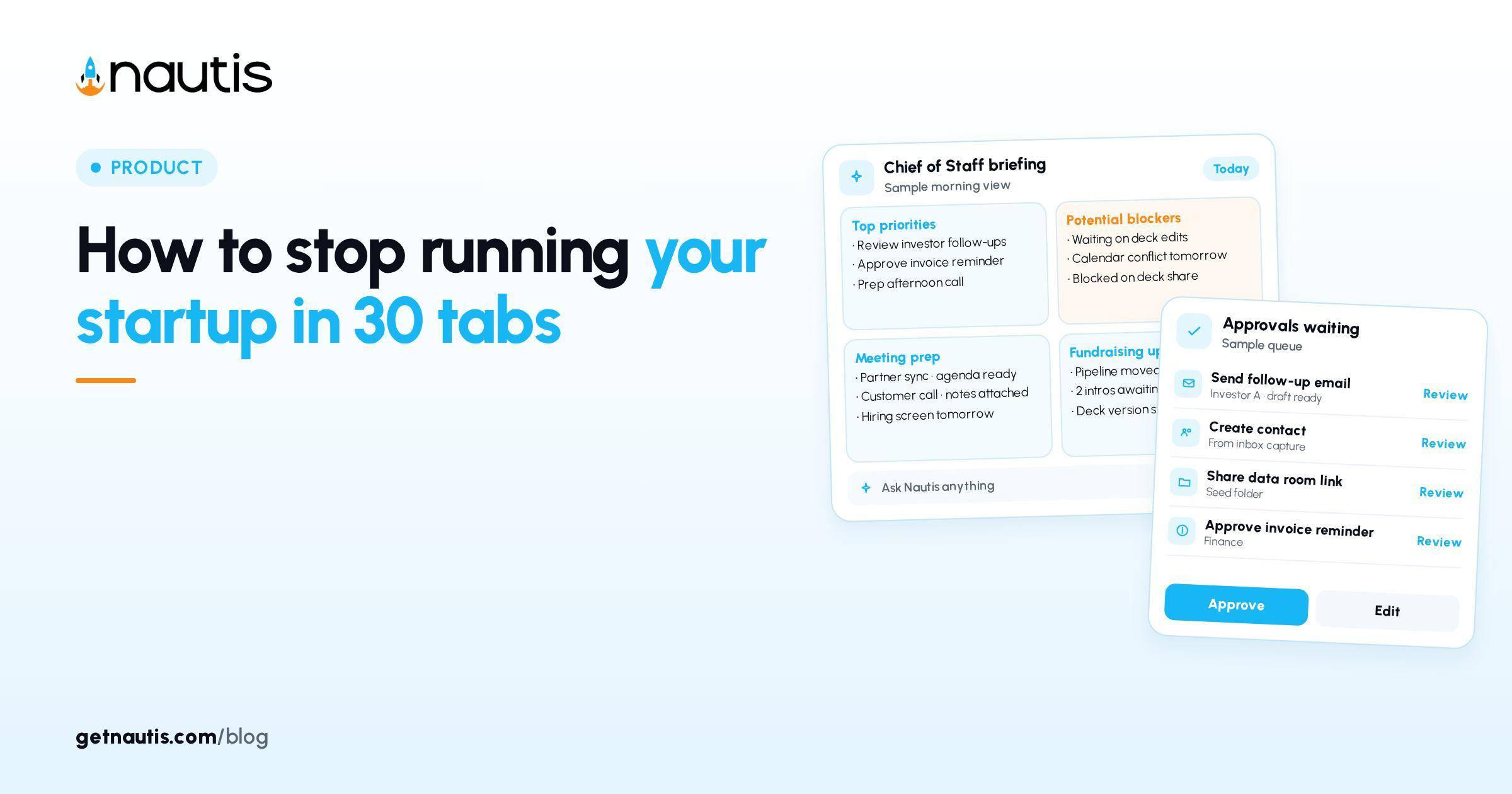
Stop running startup in tabs is less a productivity tip and more an operating choice: either each tool holds one shard of context, or one workspace holds the company. This piece follows one illustrative Thursday from open laptop to close, then shows how to retire the tab wall without pretending every specialty app must die. It is not a feature tour and not a demand to delete your bank portal.
7:45: The wall is already open
Illustrative founder: Jordan at a six-person B2B startup (composite only). Thursday begins with twenty-eight tabs from Wednesday night still alive: Notion roadmap, Google Sheet runway, HubSpot deals, Gmail threads, Calendar, Slack in a browser, Cap table PDF, two investor update drafts, Linear, Figma, Stripe, a chatbot with last week's paste, and a random Series A blog post. Jordan is not disorganized. Jordan is running the company as a mosaic because each shard is almost right.
By 7:52 the first fifteen minutes are archaeology: which sheet has the real cash, which CRM view is filtered, which update draft is current. Stop running startup in tabs fails as a slogan here if you only lecture about focus. The cost is mismatched numbers across shards, not moral weakness.
Hold Jordan's Thursday. The rest of the day shows where the wall can shrink without losing work that still belongs in a specialist tool.
9:30: Name the job each cluster is doing
Before deleting anything, label clusters by job. Jordan's illustrative wall collapses into six jobs: attention (what matters today), execution (tasks), commercial (pipeline), money (cash and burn), people and meetings, and memory (facts the company must not forget). Specialty design or code tools can stay. The problem is when attention, CRM, cash, and memory each require a separate scavenger hunt before a customer call.
Write the jobs on paper once. Then mark which tabs are systems of record versus mirrors. Mirrors are the first to close. Systems of record move into one workspace or stay as deliberate exceptions with an owner.
Neighboring posts cover related ground. How to manage a startup without using 15 different tools is the stack consolidation playbook (what to cut over a week, when a second tool is allowed). This Thursday is about the browser-as-OS habit: even a short stack still fractures if every morning starts inside thirty URLs.
Replacement map for the jobs that should not be tabs
Use the map as a decision table, not a shopping list. Jordan fills the right column for their team; your labels may differ. The point is one home per job.
Job on the tab wall | Typical shards | One-home target | Keep as exception when |
|---|---|---|---|
Attention today | Chat paste, sticky notes, three dashboards | Chief of Staff Briefing | Regulated ops console you must not relocate |
Tasks | Linear + Notion + Slack reminders | Task Boards with owners and due dates | Engineering tracker if eng refuses dual entry |
Pipeline | HubSpot or Sheet + inbox hunting | Fundraising or Sales CRM in-workspace | Enterprise CRM mandated by a design partner |
Cash and burn | Sheet + bank + Stripe export | Startup Health check-in + Expenses | Bank and payroll portals (always external) |
Meetings and notes | Calendar + Docs + chat scrollback | Meetings and Notes linked to tasks | Board portal for formal packs |
Company memory | Chat custom instructions + random docs | Memory after Liftoff Looks right | Legal entity files with counsel |
Bank, payroll, and counsel portals stay. Stop running startup in tabs does not mean one login for the entire internet. It means attention, tasks, pipeline, operating cash narrative, and memory stop living as competing browser stories.
Inline, not as a setup chapter: Chief of Staff (checked 31 Oct 2026) opens on Briefing that ranks what changed, what is blocked, and what needs you from the workspace. Set up your Chief of Staff (Liftoff) (checked 31 Oct 2026) is the short path that fills company context; Review with Looks right and Not us on false profiles creates verified memory so Briefing is not another empty tab with better fonts.
12:10: The call that exposes forked truth
Illustrative noon: a customer asks for timeline and pricing exceptions. Jordan alt-tabs through Notion dates, HubSpot stage, a Sheet margin guess, and the chatbot paste that still thinks last month's discount is policy. Two answers disagree by a week and ten percent. The customer hears the hesitation.
Forked truth is the real damage of the tab wall. After the call, Jordan spends twenty minutes reconciling instead of sending the recap. A single workspace does not make Jordan wiser. It makes the wrong shard harder to trust by accident because the task, note, and commercial record can point at each other.
Rule Jordan writes at 12:40: if a number can move a customer or investor conversation, it must live in the system of record named in the replacement map, with an as-of date. Chat drafts are disposable. Verified memory and CRM fields are not.
15:05: Search and Briefing instead of archaeology
Afternoon illustrative pattern: Jordan needs "what we told Acme about security." Old habit opens Gmail search, Drive search, Notion search, and Slack search, each with a slightly different hit. New habit: one workspace search across company objects, then a note linked to the account, then a task with an owner if a promise is still open.
Briefing at 15:30 surfaces a Blocker already tied to the Acme task and an Approval waiting on a follow-up email draft. Jordan edits and Approves instead of rewriting from a chatbot thread that never saw the CRM. That is the daily difference between stop running startup in tabs as a poster and as a Thursday.
Keep Agent Autonomy on Ask every time for External actions until Approvals are a habit. Run without asking is for low-risk Internal tidy jobs once the wall is thinner. The point of this post is fewer contexts, not silent sends.
18:20: Close-the-laptop test for stop running startup in tabs
Before Jordan closes the lid, run a five-minute test. Can a teammate find today's priorities, the Acme promise, cash as of the last Startup Health check-in, and the open tasks without pinging Jordan? If the answer needs a tour of thirty URLs, the wall still owns the company.
Illustrative pass criteria Jordan adopts for two weeks:
- Morning starts on Briefing, not on Gmail.
- Customer promises land in CRM or Notes the same hour, then become tasks with due dates.
- Cash narrative updates on the Startup Health cadence; bank portals remain bookmarks, not the story.
- Specialty tools (Figma, IDE, bank) may stay open; mirrors of roadmap, runway, and pipeline close.
- Chatbots may draft; they do not store policy. Looks right memory and module fields do.
Fail any criterion and reopen only the tabs that are true exceptions. Do not "organize" the wall into pinned groups. Pinning is how thirty tabs become thirty labeled tabs.
Stop running startup in tabs succeeds when Thursday's archaeology time collapses into a short Briefing pass and one search, while the published consolidation playbook still governs which vendors you pay. Use both: cut the stack where sprawl hurts, and stop operating the remainder as a browser mosaic. Jordan's illustrative week ends with eleven tabs, six of them required portals. The company finally has a home page that is not a mosaic.
Jordan's illustrative Friday morning check confirms the habit: Briefing first, three exception portals, zero mirror sheets. The AE still uses an email client. Finance still opens the bank. Nobody rebuilds runway in a private tab. That is what stop running startup in tabs looks like when it is boring enough to survive a busy week.
If a new hire asks where truth lives, point at the replacement map on the wall, not at a screenshot of pinned tabs. Update the map when a job changes homes. Retire a home only when the new system of record has a named owner and last week's numbers match. Migration theater that leaves two homes is how the wall grows back by Monday.
When you need fewer tools vs one system
Jordan's wall had two different problems mixed together. Too many vendors for the same job, and too many browser homes for jobs that already had a vendor. Fix them in different orders.
Choose fewer tools when two paid products both claim to be the CRM, the task tracker, or the runway sheet. Cancel or freeze the weaker one, migrate the records, and name a single owner. The step-by-step cut plan and "when a second tool is allowed" rules live in How to manage a startup without using 15 different tools. Use that playbook when the bill and the duplicate objects are the pain.
Choose one system when the vendor count is already short but Thursday still starts in twenty URLs. That is the browser mosaic: one CRM plus three mirrors, one cash truth plus a private Sheet, memory stuck in a chatbot paste. Stop running startup in tabs is the habit for that case: one home per job on the replacement map, Briefing first, exceptions labeled, mirrors closed.
Illustrative fork for Jordan by week two: they kept Figma, the bank, and payroll portals; they dropped the personal runway Sheet and the Notion roadmap mirror; they did not need a new SaaS logo to feel the difference. Anti-patterns that grow the wall again: pinned tab groups as fake structure, a chatbot custom instruction pretending to be the CRM, Liftoff left on Finish later so Briefing stays empty, and a teammate Sheet "just for me" that decides nothing alone.
If a mirror cannot name a decision only it can make, close it. If it is a regulated export, keep it and write it on the map as an exception. Ship a same-day note covering which jobs moved homes, which portals stay, and who owns the map so kindness does not reopen shards by Monday.
Frequently asked questions
Do I have to delete every SaaS tool?
No. Retire mirrors and give each operating job one home. Bank, payroll, counsel, and specialist design or code tools can stay as exceptions on the map.
How is this different from cutting down to fewer vendors?
Vendor consolidation decides what you pay for. This habit decides whether the remaining stack still runs as a browser mosaic every morning.
Where should the morning start?
On Chief of Staff Briefing once Liftoff Review has a real Looks right, not on Gmail archaeology across twenty tabs.
What is the close-the-laptop test?
A teammate can find priorities, customer promises, cash narrative, and open tasks without a tour of thirty URLs or a ping to the founder.
Sources
- Nautis Chief of Staff help. Checked on October 31, 2026.
- Set up your Chief of Staff (Liftoff). Checked on October 31, 2026.
- How to manage a startup without using 15 different tools. Checked on October 31, 2026.
Baltej Singh is a serial entrepreneur, technology leader, and Founder & CEO of Nautis and DemoVexa, with over 16 years of experience building software products, SaaS platforms, and startups. Previously the Co-Founder & CTO of SanchiConnect, he has worked extensively in the DeepTech startup ecosystem, connecting with 200+ venture capital firms and supporting a network of 4,000+ startups. Passionate about AI, automation, and entrepreneurship, he focuses on building innovative products that solve real-world problems and help businesses grow.


