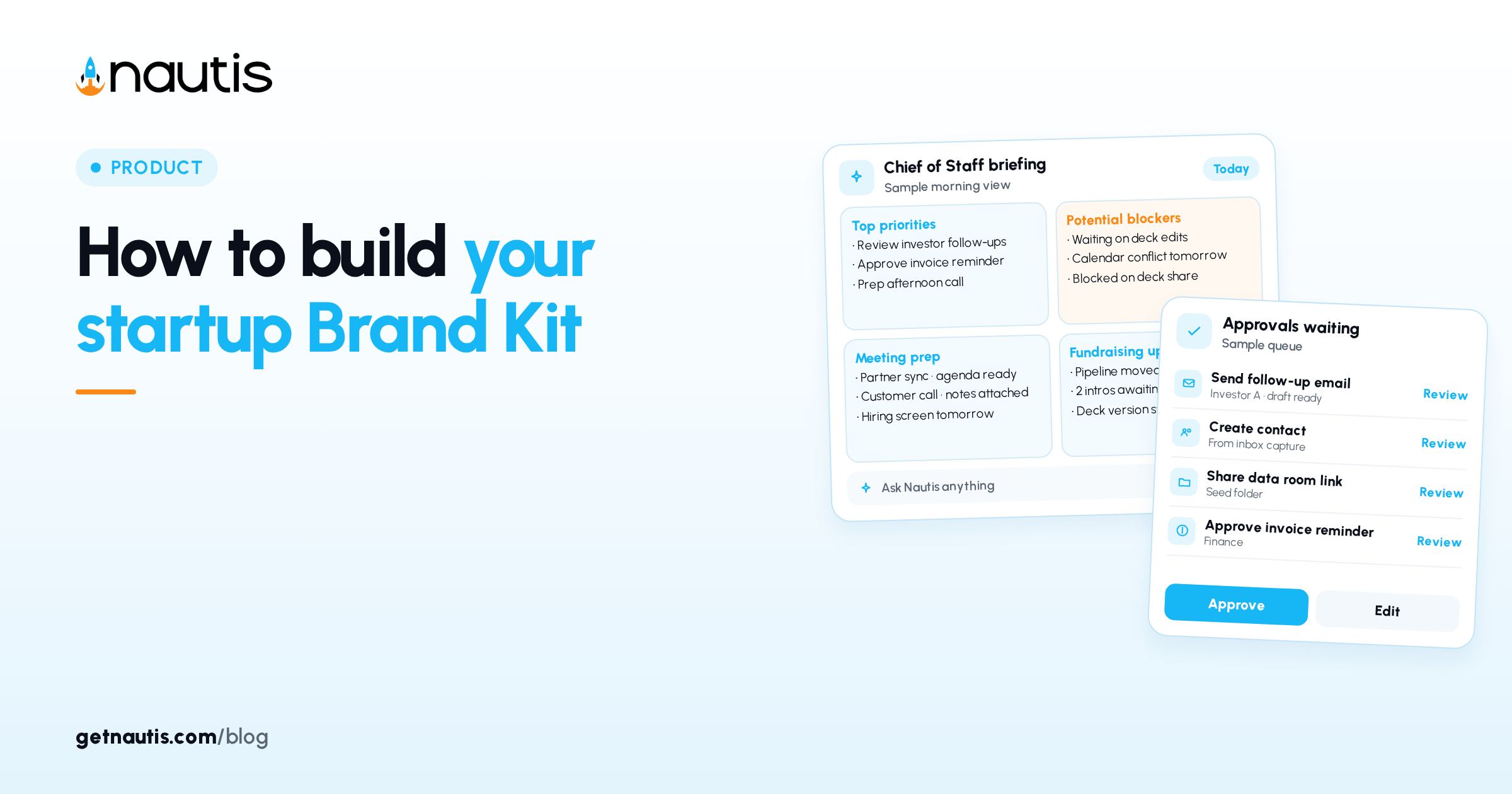
How to build your startup Brand Kit
 Baltej Singh8 min read
A brand kit for early startups keeps logos, colors, fonts, voice rules, and letterhead in one place so freelancers stop hunting old Slack threads. In Nautis that home is Brand Kit under Marketing. You can keep more than one kit for products or sub-brands, mark one as primary, and share a read-only link when someone outside the workspace needs the assets. The same kit feeds decks, site headers, and PDF letterhead once the tabs are filled. You still decide what goes in; the product stores files, hex values, font stacks, and written rules so the next hire does not reinvent them.
Why a brand kit for early startups belongs in one kit
Scattered Drive folders produce off-brand decks and wrong hex codes. One kit with named logos, swatches, and Do's and Don'ts is faster than another "final_v7" file.
Illustrative pain (composite only): a contractor ships a PDF with last year's blue because the new hex lived only in a founder screenshot. Illustrative second failure (composite only): a paid ads freelancer crops a logo that was never meant for social crops because Usage Notes never said so.
This is not a company brief for AI context. A brief narrates the business. A Brand Kit stores visual and voice assets other people can apply. Keep both if you need them; do not mash them into one document. For narrative company context elsewhere in the product, use Company tools rather than stuffing essays into logo usage notes. Founders who paste positioning essays into Guidelines bury the rules designers need. Keep Guidelines short and operational.
Create the kit and decide who can edit
Open Marketing, then Brand Kit. Keep legal company facts in Business Profile so letterhead contact fields match what you file elsewhere. Broader product help lives under the Help Center. Click Create New (or Create Your First Brand Kit). Fill Name (up to 100 characters), optional Description (up to 500), and optional Team members with access. Click Create Brand Kit. Verify your email before the first kit if the product asks. Name kits for how people will search them later. "Client deck kit" is clearer than "New brand 2" when the grid fills up.
Illustrative create (composite only): Name "Primary product Brand Kit"; Description "Customer-facing web and sales PDFs"; two designers in Team members with access.
If Create New is greyed out, your role lacks create permission or you hit the monthly kit limit. The Brand Kit Limit Reached modal shows count and limit when you are capped. Only people with Brand Kit update permission, plus teammates you added on the kit, should edit assets. Read permission alone is enough to browse. Plan limits that affect how many kits you can create sit beside other product caps on Pricing.
Inside a kit you will see tabs for Logos, Colors, Fonts, Typography, Guidelines, Imagery, Voice & Tone, and Letterhead. Click Edit in the header to rename or change access. Use the back arrow to return to the grid. Hover a card and click the star to mark primary so other modules know the default kit. Changing the primary kit does not rewrite past exports. Update letterhead and any module that still points at the old kit after you switch.
Fill the tabs to a minimum usable set
You do not need every asset on day one. Reach a usable floor, then deepen.
Tab | Minimum before you share | Done when |
|---|---|---|
Logos | Primary logo file with Logo Type set | Team can download without pinging you |
Colors | Primary and Neutral hex values with # | Anyone can copy the swatch codes |
Fonts | Heading and body Font Family entries | Web Font on when used on the web |
Typography | Heading 1 and body styles | Live preview matches intent |
Voice & Tone | One guideline with Do's and Don'ts | Writers see examples, not vibes |
Guidelines | One Logo or Colors rule | Usage notes are written down |
Imagery | Optional until campaigns need it | Types and usage notes filled |
Letterhead | Logo, accent, contact block if you export PDFs | Modules that need it are selected |
Illustrative first week (composite only): Logos Primary horizontal PNG and SVG; Colors Primary and Neutral; Fonts Inter stack; Voice & Tone "direct and warm" with two example sentences. Typography styles should name HTML Element values such as h1 or p and set Font Size, Line Height, Font Weight, and Color so previews match what marketing will ship.
For logos, upload SVG, PNG, JPG, JPEG, GIF, or WEBP, or paste a URL. Set Name, Format, Logo Type (Primary, Secondary, Icon, Wordmark, Symbol, Horizontal, Vertical, or Monochrome), and optional minimum size, background color, and usage notes. Prefer SVG when you can.
For colors, include the # in Hex Color. Set Color Type such as Primary, Secondary, Accent, Neutral, Success, Warning, Error, or Info. Pair each swatch with a short note if a shade is reserved for charts only.
Write voice rules people can follow
Open Voice & Tone. Add Guideline Name, Description, Characteristics, Do's and Don'ts, and Examples. You can keep several voices (blog versus support).
Illustrative voice (composite only): Guideline Name "Support replies"; Don'ts include "blame the customer"; Examples show a short apology plus next step.
Characteristics fields that only say "friendly" fail. Prefer concrete traits such as "short sentences" or "no sarcasm in outages" so two writers land in the same register.
Guidelines tab holds broader rules by Category (Logo, Colors, Typography, Imagery, Voice & Tone, Layout, or General). Imagery holds Pattern, Photo, Illustration, Icon, Background, Texture, or Graphic files with Category such as Social Media or Web. Skip dumping every photo from a launch event. Add only assets with clear Usage Notes so a contractor knows when not to use them.
Letterhead sets header and footer for PDF exports: logo, accent color, margins, contact info, and which modules use it. Save and watch the preview update. Confirm phone and address against Business Profile before you mass-export invoices or proposals.
Share a read-only link without giving edit rights
Click Share Brand Kit. Optionally set Recipient Email and Expiration Date, then Create Share Link. Copy the URL, preview it, or revoke it later from Existing Share Links. Share links are read-only and can expire. They do not grant edit access. Never send editable source files by side channel "just this once" after you already shared the kit. That re-creates the Slack scavenger hunt the kit was meant to end.
Illustrative share (composite only): link to a freelancer with a 30-day Expiration Date; revoke when the contract ends.
If Recipient Email is set, treat it as a reminder of who received the URL, not as proof of authentication. Anyone with the link can open a read-only view until you revoke or it expires.
Team members with access and anyone with Brand Kit update permission can edit. Analytics on the kit shows Total Views, Unique Visitors, Total Activity, Top Downloads, plus browser, device, and country breakdowns and an Activity table.
Review downloads so the kit stays current
Open Analytics from the kit header after freelancers have had the link for a week. Treat Brand Kit as the place for files and rules, not for long strategy essays. Top Downloads shows which logos and files people actually take. If an obsolete PNG still leads downloads, replace it and update usage notes on the Logos tab.
Illustrative review (composite only): monochrome SVG never downloaded; horizontal PNG dominates; add a usage note that SVG is preferred for web and leave PNG for email signatures.
Unique Visitors and the Activity table help you see whether the share link is still in circulation after a project ends. Revoke stale links instead of hoping people forget the URL.
Keep the primary kit honest as you grow
When you add a second kit for a sub-brand, leave one primary. Other modules pull the primary kit when none is specified; you can still pick another kit manually where the product allows.
Illustrative rule (composite only): primary kit for the main product; secondary kit for an experimental SKU until it earns its own customers.
Delete assets only when you mean it. There is no undo. Before deleting, download a local archive if legal or historical use still matters. Storage for logos, fonts, and imagery counts against organization quota. Fonts that fail to preview usually need Font Family matched to the file and Web Font toggled on, or a full Google Fonts stylesheet URL in Font URL. When fonts fail to load in preview, confirm the Font URL points at a full stylesheet rather than a single file path, match Font Family to the face name browsers expect, and leave Web Font on for kits used on the web.
Illustrative growth check (composite only): after a rebrand, clone naming conventions into a new kit, mark the new kit primary only after Logos and Colors are complete, then revoke share links that still pointed at the old kit.
A brand kit for early startups works when freelancers open one link, download the right logo, copy the right hex, and write in the voice you already documented. Revisit the kit when typography, hex values, or voice rules change so Analytics and downloads stay aligned with what you actually want in market.
Sources
- Nautis Help Center, Brand Kit: https://getnautis.com/help-center/company/brand-kit (checkedOn 2026-10-31)
- Nautis Help Center, Business Profile: https://getnautis.com/help-center/company/business-profile (checkedOn 2026-10-31)
- Nautis Pricing: https://getnautis.com/pricing (checkedOn 2026-10-31)
Frequently asked questions
Where do I create a Brand Kit in Nautis?
Open Marketing, then Brand Kit, and click Create New. Name the kit, add an optional description and team members with access, then create it.
Can freelancers edit my Brand Kit from a share link?
No. Share Brand Kit links are read-only. They can expire, and you can revoke them from Existing Share Links without giving edit rights.
What should I fill before sharing the kit?
At minimum add a primary logo, primary and neutral colors with hex codes, heading and body fonts, and one Voice & Tone guideline with Do's and Don'ts.
What does marking a kit primary do?
The primary kit is the default other modules use when none is specified. You can still pick another kit manually where the product allows.
Sources
- Nautis Help Center, Brand Kit. Checked on October 31, 2026.
- Nautis Help Center, Business Profile. Checked on October 31, 2026.
- Nautis Pricing. Checked on October 31, 2026.
Baltej Singh is a serial entrepreneur, technology leader, and Founder & CEO of Nautis and DemoVexa, with over 16 years of experience building software products, SaaS platforms, and startups. Previously the Co-Founder & CTO of SanchiConnect, he has worked extensively in the DeepTech startup ecosystem, connecting with 200+ venture capital firms and supporting a network of 4,000+ startups. Passionate about AI, automation, and entrepreneurship, he focuses on building innovative products that solve real-world problems and help businesses grow.