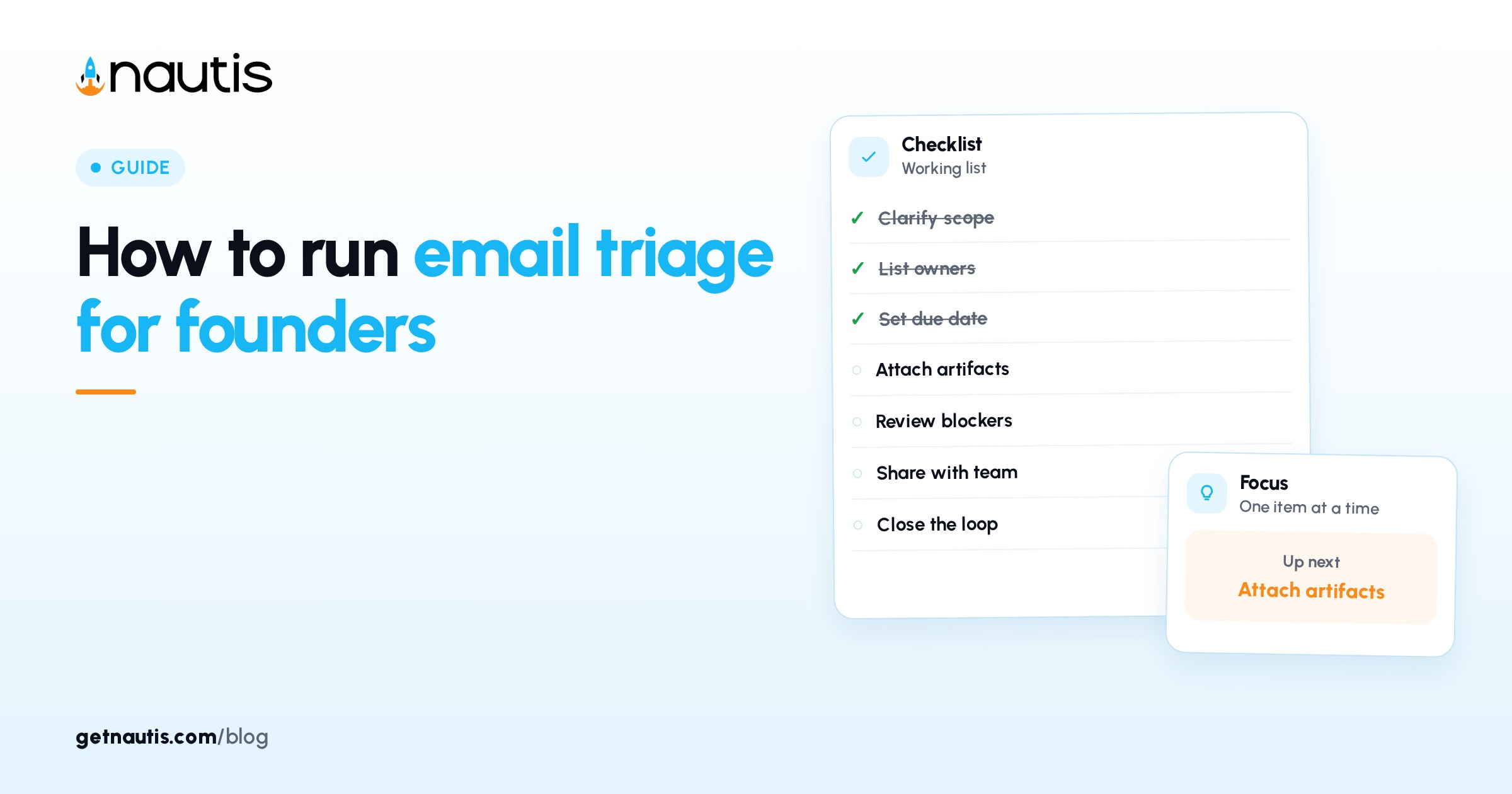
How to run email triage for founders
 Baltej Singh9 min read
Email triage for founders is a timed pass with fixed exits: open Unread, choose one folder or action, then leave the thread. In Nautis that pass runs in Email inbox under Profile & Company (MailBox): connect Gmail, Outlook, or IMAP into one feed, then route work through Inbox, Starred, Snoozed, Labels, Assign, and Scheduled instead of five browser tabs.
The goal is finished decisions in a closed block, not a pretty unread badge. Measure the pass by threads with an owner or a next date. Badge theater without Assign or Snooze still leaves customer Asks orphaned.
Why email triage for founders starts in folders
Browsers scatter the same company mail across personal Gmail, shared Outlook, and a support alias nobody owns. Folder roles fix that by giving each thread a place that means something after you close the pane.
Open Email inbox. Use the account switcher on All accounts for the morning pass so every connected mailbox shows in one chronological list. Switch to a single mailbox only when From must match that address. That habit keeps triage order visible and stops silent skips across tabs.
Illustrative miss (composite only): founder answers customers from a personal Gmail tab while support@ sits unread in another window; two replies conflict and neither thread has Assign history.
Illustrative win (composite only): All accounts, Unread chip on, twenty minutes on the clock; every opened thread leaves Inbox via Archive, Snooze, Label, Assign, or a real reply.
You need Email module read permission to use the inbox and create permission to Connect mailbox. Each mailbox uses one organization slot. Plans typically include a few slots; Owners and Admins add subscribed slots from Manage slots when the quota banner says the limit is reached. Per-slot price shows in that dialog for your plan.
Skip dormant addresses that only burn slots. Connect the founder address you answer and the company alias customers already write to. Idle mailboxes steal capacity from shared aliases that need Manage sharing.
Connect mailboxes before the first timed pass
On the welcome screen click Connect mailbox and pick Gmail, Outlook, or Other (IMAP). Yahoo, iCloud, and Zoho appear when enabled for the workspace. Sign in on the provider page and approve access. Nautis never sees your password. New mail arrives within seconds; historic mail indexes over the next minutes and keeps going deep into the archive.
Add more mailboxes from the account switcher or Email settings. Share a company alias with Manage sharing on the mailbox card so teammates can work the same inbox without forwarding chains. Disconnect frees a slot; mail stays with the provider, so a mistaken disconnect is fixed by reconnecting and history returns from the provider.
Illustrative connect (composite only): founder Gmail plus shared support@; Manage sharing for one CS lead; All accounts for triage; support alone when covering tickets.
If a mailbox shows an error, disconnect and reconnect from Email settings to re-authorize. Extra slots after a lapsed subscription enter a 14-day grace window where reading still works and sending is blocked, then read-only; plan-included mailboxes stay normal and mail is not deleted. Mailbox limit reached stops new connects until someone adds a slot or frees one.
Treat Connect mailbox as a one-time setup cost. After the first week the daily work is folder exits, not OAuth screens.
Folder roles that keep the pass honest
Use folders as exits, not as storage museums. This table is the operating contract for email triage for founders inside MailBox.
Folder or view | Purpose in the pass | Exit rule before you leave |
|---|---|---|
Inbox + Unread | Work queue for today | Every opened thread gets Archive, Snooze, Assign, Label, or a reply |
Starred | Same-day second look | Clear or act before end of day; do not stockpile |
Snoozed | Known resume date | Set a real date; vague "later" recreates tomorrow's pile |
Labels | Project or topic buckets | Apply on the way out so search stays fast |
Scheduled | Future sends you can still cancel | Review when plans change so stale sends do not fire |
Archive | Done or filed with no reply owed | Searchable later; not a hiding place for Asks |
Spam / Trash | Junk after a glance | Delete only after you confirm it is not a real customer |
Search the current folder with / and narrow with All / Unread / Starred chips. Navigate threads with J / K. Keyboard shortcuts on the toolbar: Reply (R), Reply all (A), Forward (F), Archive (E), Star (S), Label (L), Delete (#), Compose (C). Snooze and Assign sit on the same toolbar.
Illustrative folder pass (composite only): Unread first; three Archives on FYI; one Snooze for a vendor renewal next Tuesday; two Labels for hiring; Assign one refund thread on support@.
Do not open a thread "to think" and leave it in Inbox. That habit is how triage collapses into all-day inbox living. If you need think time, Snooze to a date when you can decide, or Assign to the person who already owns the customer.
Star only what you will open again the same day. Permanent Star collections become a second inbox with worse search than Labels. Prefer Labels for hiring, vendors, and legal topics so All accounts stays scannable.
Run morning and late blocks, not all-day mail
Pick two closed blocks. Morning handles Unread since yesterday. Late handles Unread since morning. Outside those blocks, product and customer calls own the calendar. Pair each Snooze with a calendar reminder only when the resume date depends on someone else shipping first. Otherwise the thread returns while you still cannot act, and the late block burns on false urgency.
In each block: set All accounts, open Inbox with the Unread chip, work top down, and stop when today's Unread is handled. Prefer Assign over Forward when a teammate should own the reply so history stays on the thread. Forward remains for outside recipients who are not in the org.
Attachments show as chips with Download and Move to Data Rooms (limit 25 MB per file). File deal PDFs into a room when they belong there instead of dumping them into a Downloads folder. Download stays available for offline review.
Illustrative blocks (composite only): 25 minutes at 8:30; 15 minutes at 16:30; no mail tabs open between. Customer fires still interrupt, but routine vendor mail waits for the next block.
When AI credits remain, Summarize thread helps on long vendor chains (multi-message threads may summarize automatically with an Action needed line), Suggest reply drafts into the composer for you to edit, Extract tasks pulls action items, and Translate covers the latest message in one of 10 languages. AI features spend Nautis AI credits, not provider quota. Edit every AI draft before Send. You remain the sender of record. If credits run out, finish the pass with Archive, Snooze, and Assign first.
Extract tasks is a starting list, not a project plan. Copy what matters into your task system the same day. Skip AI on one-line logistics mail where a human reply is faster than a prompt.
Compose, schedule, and pick the right From
Compose (C) opens a panel. Set From when you have multiple mailboxes so customers see the address they expect. To accepts typed addresses or the contact picker against your Nautis Contacts directory. Cc and Bcc toggle when needed. Attachments via the paperclip stay under 25 MB per file. Signature inserts from mailbox defaults set in Mailbox settings (several signatures allowed; default inserts on new messages). Scheduled send parks the message in Scheduled until the send time; cancel there if the plan changes. Drafts auto-save. Send with the button or Cmd/Ctrl+Enter.
Illustrative compose (composite only): From support@; contact picker for the customer; Scheduled send for 09:00 tomorrow; cancel in Scheduled when the refund lands early.
While writing, sparkles tools can Draft from prompt, Rewrite tone (more concise, more formal, more friendly, shorter, or longer), Continue writing, or Suggest subject. Keep those optional. Logistics mail does not need a drafted essay. Batch similar replies when tone matches so you open Compose once, send, then Archive related FYI threads in a row.
Check Scheduled at the start of the late block. A stale send that fires after the deal changed creates cleanup work that a cancel would have prevented.
Keep slots, sharing, and Assign norms current
Email settings (Manage mailboxes) shows used of limit slots. Owners and Admins use Manage slots to add or remove subscribed slots (billed monthly per slot, prorated as the dialog shows, up to 25) or cancel the subscription. Share via card menu → Manage sharing. Agree who watches Assign on a shared alias so overnight threads have an owner. Connect, send, disconnect, and delete events go to the organization audit log.
Illustrative share (composite only): support@ connected once; two CS people on Manage sharing; Assign splits refunds vs bugs; monthly label cleanup after headcount changes.
When someone leaves, revisit Manage sharing the same day. Shared access without an owner recreates the pile MailBox was meant to end. Cancel extra subscribed slots when a contractor mailbox is no longer needed so billing matches headcount.
Write the Assign norm in a short team note: who owns refunds, who owns bugs, and who covers weekends. Without that note, Manage sharing only multiplies readers. With it, Assign becomes the handoff tool the toolbar was built for.
Cancel a Scheduled send the moment the underlying decision changes. Leaving a stale send in Scheduled is the same class of mistake as leaving an Ask in Inbox.
Email triage for founders holds when All accounts is the default morning view, folder exits are non-negotiable, two time boxes replace all-day mail, and shared slots have named owners the same day someone joins or leaves. Recheck Labels quarterly so buckets stay meaningful. Broader docs sit in the Help Center.
Frequently asked questions
How is email triage for founders different from inbox zero?
Triage finishes decisions with owners and dates. Inbox zero optimizes an unread badge. In MailBox you stop when today's Unread is handled through folder exits, not when the folder looks empty.
Which mailbox view should I use for the morning pass?
Use All accounts so every connected mailbox appears in one chronological feed. Switch to a single mailbox only when the From address must match that mailbox.
Can the whole team work one support@ address?
Yes. Connect it once, then use Manage sharing on the mailbox card. Use Assign to divide who handles each thread without forwarding.
Do AI replies use my Gmail or Outlook quota?
No. AI features run on Nautis AI credits. If credits run out, finish triage with Archive, Snooze, and Assign, then top up under Billing.
Sources
- Nautis Help Center, Email inbox (MailBox). Checked on November 1, 2026.
- Nautis Help Center, Contacts. Checked on November 1, 2026.
- Nautis Help Center, AI credits & usage. Checked on November 1, 2026.
Baltej Singh is a serial entrepreneur, technology leader, and Founder & CEO of Nautis and DemoVexa, with over 16 years of experience building software products, SaaS platforms, and startups. Previously the Co-Founder & CTO of SanchiConnect, he has worked extensively in the DeepTech startup ecosystem, connecting with 200+ venture capital firms and supporting a network of 4,000+ startups. Passionate about AI, automation, and entrepreneurship, he focuses on building innovative products that solve real-world problems and help businesses grow.