How to run a project board for founders
 Baltej Singh8 min read
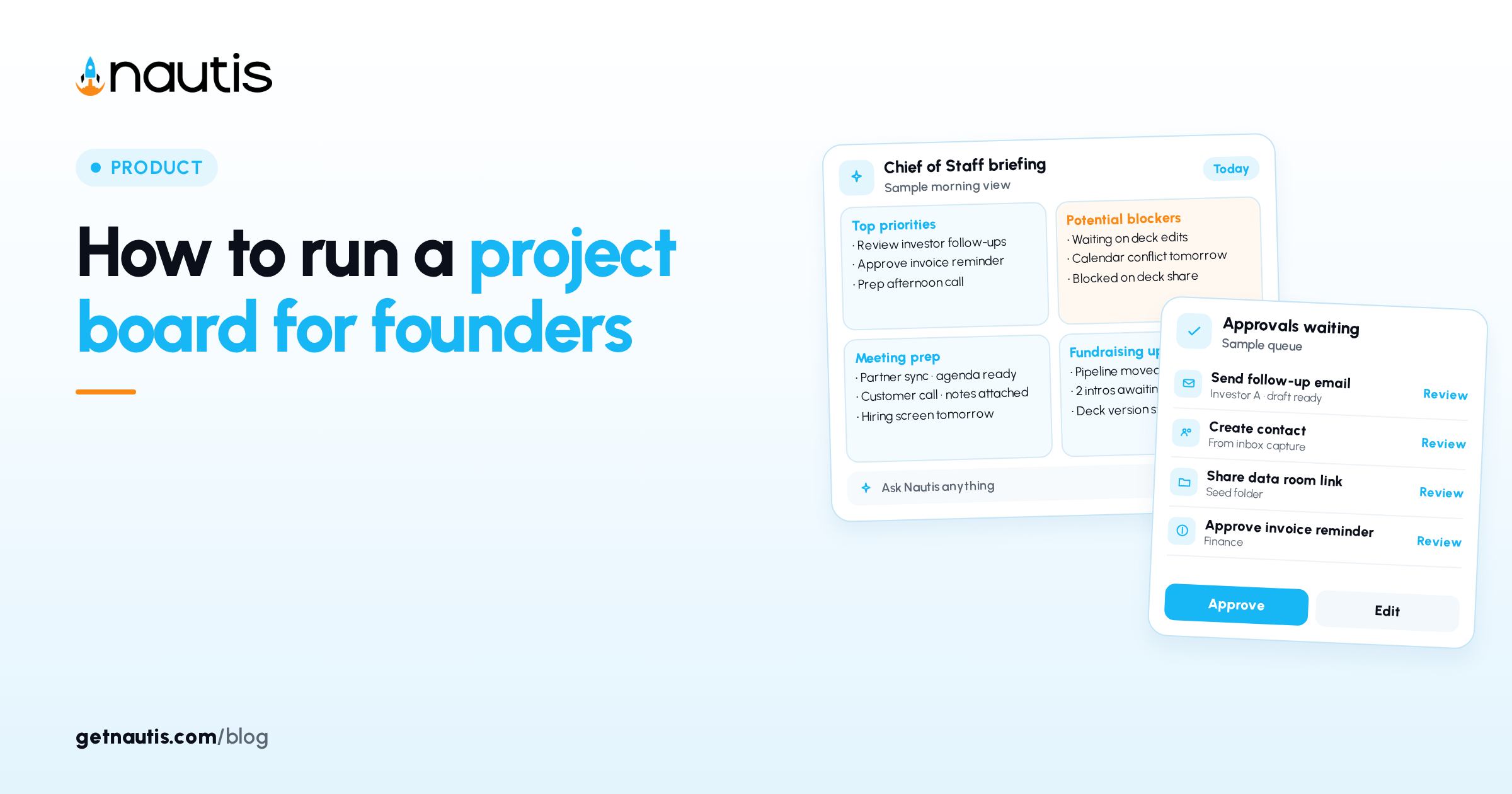
A project board for founders keeps launch work, hiring, and ops in one shared board instead of a private checklist nobody else opens. In Nautis that board lives under Strategy & Planning → Task Boards: New Board, Shared Access, Outcome and KPI tasks, Card/Table/Kanban views, Linked goals, Discussion, Attachments, and Activity.
Why a project board for founders needs Shared Access
Private notes hide blockers. A board with Shared Access lets assignees update status where the progress bar and Overview counts stay honest.
Illustrative miss (composite only): a founder keeps "Q1 launch" in a personal note; teammates invent parallel lists.
Illustrative win (composite only): Title "Q1 Product Launch"; Shared Access founder plus product lead; tasks visible on Kanban. Overview cards in the sidebar count boards by state so you see backlog versus Completed at a glance. Urgent Priority boards should not sit in Pending for weeks without an assignee on the critical Outcome tasks. If everything is Urgent, Priority stops guiding the week. Reserve Urgent for boards that block revenue or hiring this month. Medium Priority is the honest default for most founder boards.
You need Task Boards permission and the module enabled. Only people on Shared Access (plus org admins) can open a board. Create New Board from the Task Boards page. Filter the list with Search, Status, Priority, and Category so active boards stay visible above Completed piles. Consistent Category labels keep Overview counts meaningful across the company. Pick categories you will reuse for a year, not one-off novelty labels. New categories for every board make filters useless. Reuse People, Product, Growth, and Ops style labels the team already understands.
Create the board before you flood it with tasks
Click New Board. Start from scratch or pick a built-in template (templates show outcome and KPI task counts). Fill Title (required), Description, Priority (required: Low, Medium, High, Urgent), Category (required), optional Due Date, and Shared Access. Create. Templates pre-fill tasks you can edit. Use a template when the shape of the work is familiar. Start from scratch when the board is a one-off bet. Rename template tasks the same day so the board language matches how your team talks. Delete template tasks you will never run so progress is not diluted by ghosts. A shorter task list raises the progress bar when real work finishes.
Illustrative create (composite only): Title "Hiring Plan"; Priority High; Category People; Shared Access founder and hiring lead; template with outcome tasks. Set Due Date on the board only when the whole effort has a real finish line. Empty due dates are fine for ongoing ops boards. Priority on the board should match the hardest task Priority inside it, or the header badge will lie. Description should state the board outcome in one sentence so Shared Access joiners know the bar. Skip long essays; put detail in the first Discussion post instead.
Duplicate from the board header when you want a copy with tasks. Delete only with confirmation; deletion removes tasks, comments, and attachments permanently. Prefer Completed or Cancelled status when you want to keep history without deleting. Duplicate before risky rebuilds if you might need the prior task set again. Confirm Delete only when you are sure. There is no soft archive beyond Completed and Cancelled. Export CSV first if someone outside Nautis needs a final snapshot before Delete. Most boards never need Delete if Completed or Cancelled already removes them from the active view.
Add Outcome and KPI tasks with the type locked in
On the Tasks tab use Outcome and KPI sub-tabs. Add Task: Task Title (required), Description, Task Type (required: Outcome Task or KPI Task; locked after create), Target Number and Unit for KPI, Assign Members, Priority, Start Date, Due Date.
Task type | What "done" means | Set at create | Best for |
|---|---|---|---|
Outcome Task | Pass/fail checkbox | Title, assignees, dates, priority | Ship landing page; hire writer |
KPI Task | Current number vs Target Number | Target, Unit, plus shared fields | Reach 500 signups; hit revenue unit |
You cannot switch type later. Delete and recreate if the type was wrong. Link goal on the task sheet to attach one Outcome Workflows goal; Remove goal unlinks without deleting the task. Open goal jumps to Linked tasks on the goal page. Create a goal from the same menu when Outcome Workflows has none yet. A task links to one goal at a time. Changing the pill replaces the link; it does not stack goals. Deleting a goal never deletes tasks; they become unlinked and stay on the board. Re-link them when you create the replacement goal.
Illustrative tasks (composite only): Outcome "Ship pricing page"; KPI Target 500 Unit users; both High priority. Assign Members on create so Unassigned filters do not hide the real owners later. Unassigned is fine for a backlog triage hour. It is not fine for work you expect to finish this week. Re-check Assign Members after every role change so departed teammates do not own live cards. Unassigned filters will still show the gap if you forget.
Run Card, Table, and Kanban without losing the filter
Flip Card, Table, or Kanban above the list. Drag Kanban cards between columns to change status; the board progress bar updates. Filter Assigned to, Search tasks, and Hide completed (Card/Table when completed tasks exist). Kanban always shows the Done column. Card view suits weekly planning. Table view suits sorting by due date across many tasks. KPI tasks use views tailored to progress tracking on their own sub-tab. Keep Outcome and KPI on the same board when the launch needs both ship work and a numeric target. Separate boards only when the audiences or Shared Access lists truly diverge.
Illustrative flow (composite only): drag Outcome from In Progress to Done; progress bar rises; Hide completed cleans Card view for Monday planning. Search tasks by name when the board grows past a screen of cards. Assigned to filters help each founder see only their cards before standup-style updates in Discussion. Post decisions in Discussion with @ mentions instead of scattering them across chat threads. The comment count on the Discussion tab is your signal that the board is alive.
Edit any task from the detail sheet: status dropdown, KPI number, assignees, dates. Mark Outcome Done with the checkbox. KPI progress recalculates against the target.
Track board progress, then close the board status
Progress averages tasks: Outcome done counts fully; KPI counts by closeness to target. When work finishes, set board status to Completed. Use In Progress or Pending if work resumes; Cancelled if the effort stops but you keep the record. Overview sidebar cards count boards by state. Filter Status, Priority, Category; Sort By Created, Updated, Due Date, Priority, Progress, or Title; Clear All Filters to reset. Sort by Progress when you want underperforming boards first, or by Due Date before a deadline week. Newest Updated sort surfaces boards that moved yesterday so nothing stale hides at the bottom. Clear All Filters after a focused search so you do not forget a Priority filter overnight. Stale filters are how founders miss In Progress boards that still need owners.
Illustrative close (composite only): all Outcome tasks Done; KPI at target; board status Completed; green badge in the list. You can mark a board Completed with some tasks open; the progress bar still shows the gap. Switch back to In Progress if Completed was premature and work resumes. Cancelled is for abandoned bets you still want in the historical filter. Do not Cancel a board you plan to reopen next month; use Pending or In Progress instead.
Discuss, attach, and export without a second tool
Discussion tab: new thread, @ mentions, comment count on the tab. Attachments tab: drag-and-drop or upload. Activity tab: chronological creates, status changes, assignments, comments. Export CSV from the Task Boards list Download icon when someone outside the board needs a snapshot. Activity is the catch-up log after time away. Read it before you ping the channel asking who changed what. Attachments hold specs and screenshots next to the board so the Discussion thread stays about decisions. Activity will show who attached what when you return from time away. Skim Activity before you rewrite a task someone already completed.
A project board for founders works when Shared Access matches the people who move cards, Outcome and KPI types stay intentional, Linked goals stay at one goal per task, and Completed or Cancelled replaces silent abandonment. Retire Cancelled boards from the mental load by filtering Status away from All Status once the quarter ends. A project board for founders stays useful when every active card has an owner, a type you meant, and a status someone updated this week. That habit is what separates Task Boards from a forgotten personal checklist. Keep one project board for founders per major bet, not one mega-board that mixes unrelated work. Split hiring and launch into separate boards when Shared Access lists differ.
Related planning sits in Outcome Workflows when you need goals behind the tasks. Broader docs: Help Center.
Sources
- Nautis Help Center, Task Boards: https://getnautis.com/help-center/strategy-and-planning/task-boards (checkedOn 2026-10-31)
- Nautis Help Center, Outcome Workflows: https://getnautis.com/help-center/strategy-and-planning/outcome-workflows (checkedOn 2026-10-31)
- Nautis Help Center: https://getnautis.com/help-center (checkedOn 2026-10-31)
Frequently asked questions
Why can I not change a task type later?
Outcome and KPI tasks use different fields. Delete the task and create a new one with the correct type.
How is board progress calculated?
Outcome tasks count fully when Done. KPI tasks count by how close the current number is to the Target Number. The sidebar shows the average.
Can teammates see boards I have not shared?
No. Only Shared Access members and admins can open a board. Edit board details to add people.
Can I archive instead of delete?
Set status to Completed or Cancelled. The board leaves the active view but keeps its data; filter back anytime.
Sources
- Nautis Help Center, Task Boards. Checked on October 31, 2026.
- Nautis Help Center, Outcome Workflows. Checked on October 31, 2026.
- Nautis Help Center. Checked on October 31, 2026.
Baltej Singh is a serial entrepreneur, technology leader, and Founder & CEO of Nautis and DemoVexa, with over 16 years of experience building software products, SaaS platforms, and startups. Previously the Co-Founder & CTO of SanchiConnect, he has worked extensively in the DeepTech startup ecosystem, connecting with 200+ venture capital firms and supporting a network of 4,000+ startups. Passionate about AI, automation, and entrepreneurship, he focuses on building innovative products that solve real-world problems and help businesses grow.