Why inbox zero for founders fails
 Baltej Singh8 min read
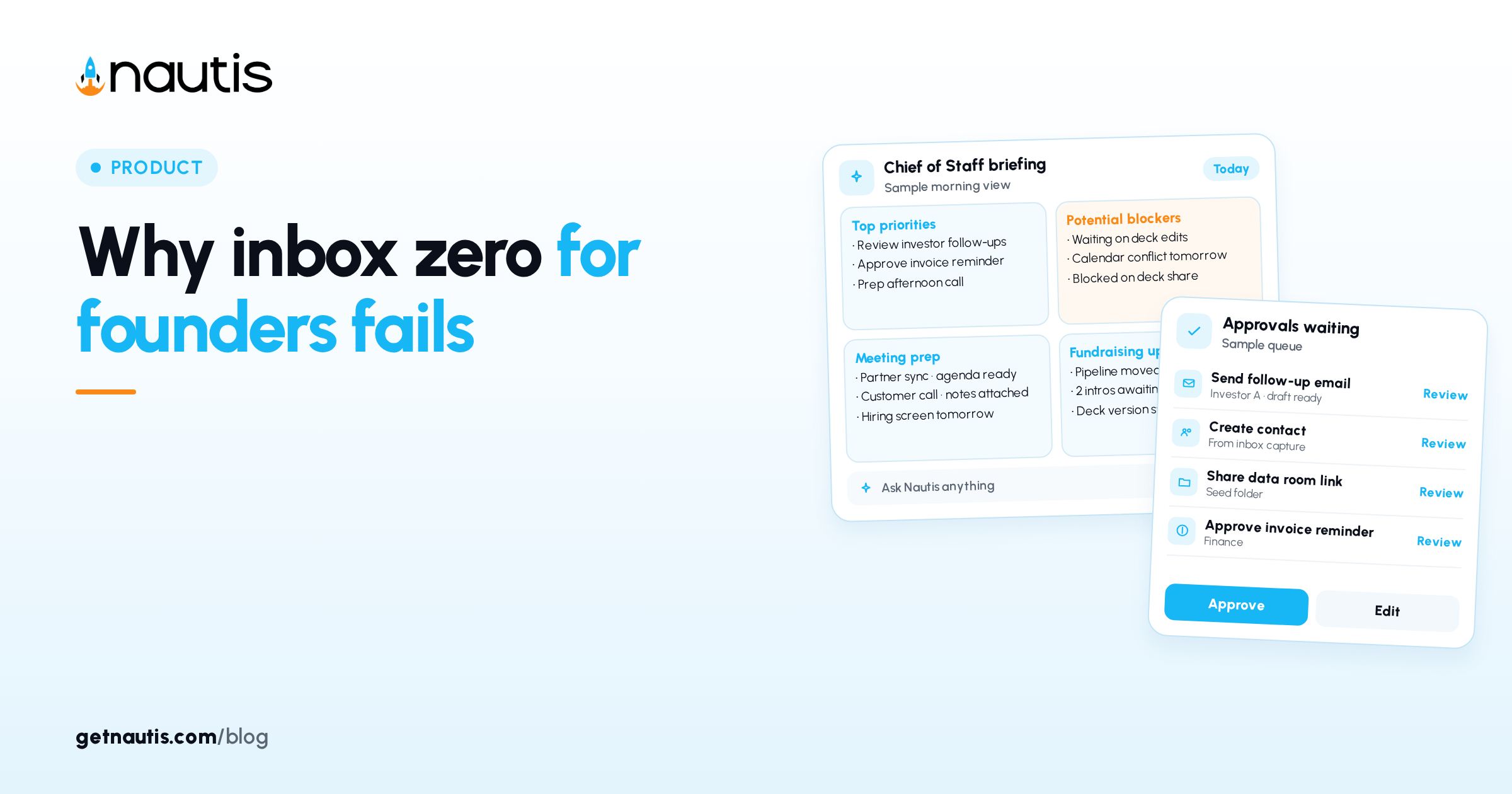
Inbox zero for founders fails as a daily goal because the queue never stops and the work is triage, not emptiness. In Nautis, MailBox is a real email client under Profile & Company: connect Gmail, Outlook, or IMAP, read a unified feed, and clear threads with Archive, Snooze, Assign, and labels instead of pretending the inbox will stay empty. The product goal is one place to read and send. Your goal is a finished pass with owners, not a screenshot of zero unread. Founders who optimize for the badge bounce between tools and still miss the thread that needed Assign yesterday. Measure the pass by decisions made, not by the unread count. A clean badge with unresolved Asks is still a failed morning. Put the asks on Assign or Snooze before you leave MailBox.
Why inbox zero for founders fails as a scoreboard
Counting unread to zero rewards deleting or parking mail without deciding. Founders need a repeatable pass: reply, schedule, file, or hand off. Zero is a lagging vanity number; a finished morning pass is the win. Illustrative scoreboard trap (composite only): unread badge hits 0 after mass Archive; two customer fires resurface from search three days later with no Assign history.
Illustrative miss (composite only): a founder hits zero at 7:40, then spends the day in Slack while investor threads sit in Archive unmarked.
MailBox merges multiple mailboxes into one chronological feed when you pick All accounts. Slots are pooled across the organization. Treat capacity as a constraint, not a reason to live in five browser tabs. You see mailboxes you connected plus any a teammate shared with you. That is enough surface area for a serious morning without a second email product. Switch to a single mailbox when you need to send From that address only, then return to All accounts for triage.
Connect mailboxes and learn the layout
Open MailBox. On the welcome screen click Connect mailbox and choose Gmail, Outlook, or Other (IMAP). Yahoo, iCloud, and Zoho appear when enabled for your workspace. You sign in on the provider page; Nautis stores an encrypted access token, not your password. New mail arrives within seconds; historic mail indexes over the next minutes. If a provider is missing from the connect list, ask an admin whether it is enabled for the workspace.
Left sidebar: account switcher (All accounts or one mailbox), Compose, folders (Inbox, Starred, Snoozed, Sent, Drafts, Scheduled, Archive, Spam, Trash), and Labels. Thread list shows sender, subject, snippet, unread badges. Search with / and filter All / Unread / Starred. Reading pane toolbar: Reply (R), Reply all (A), Forward (F), Archive (E), Snooze, Star (S), Assign, Label (L), Delete (#). J / K move threads; C composes. Snooze belongs on threads with a real resume date. Vague "later" snoozes recreate inbox zero theater tomorrow morning. Pair Snooze with a calendar reminder when the resume date depends on someone else shipping first. Otherwise the thread returns while you still cannot act.
Illustrative connect (composite only): founder Gmail plus support@ shared mailbox; All accounts for morning triage; support alone when covering tickets. Connect personal founder mail and the company alias you actually answer. Skip dormant addresses that only burn slots. Every idle mailbox is a slot someone else may need for a shared alias that customers already write to.
Create permission is required to connect. Each mailbox uses one slot (plans often include about three). Owners and Admins add subscribed slots from Manage slots, billed monthly per slot, up to 25. Admins can manage all org mailboxes. Mailbox limit reached stops new connects until someone adds a slot or frees one. Per-slot price shows in the Manage slots dialog for your plan. Cancel extra slots when a contractor leaves. Billing for subscribed slots is monthly and can be adjusted from Manage slots. Proration follows what the Manage slots dialog shows for your workspace.
Run a triage pass with clear thread actions
Work Unread in Inbox, then Starred. For each thread pick one action and leave.
Action | Use when | What MailBox does |
|---|---|---|
Reply / Reply all | You owe words today | Opens composer; Send or Cmd/Ctrl+Enter |
Scheduled send | Timing matters more than speed | Holds in Scheduled until send time |
Snooze | Not actionable until a known date | Leaves Inbox until then |
Archive | Done or filed; no reply needed | Removes from Inbox; searchable later |
Assign | Teammate owns the next step | Hands off without forwarding |
Label | Needs a project or investor bucket | Applies Label without leaving mail |
Star | Keep visible in Starred chip | Marks for a second pass |
Move to Data Rooms | Attachment should live in a room | Files from the attachment chip |
Illustrative pass (composite only): 22 unread; 4 replies; 3 snoozes; 2 assigns on support@; rest Archived with labels. Keyboard shortcuts keep the pass short once muscle memory lands. Use them after the first week, not on day one if they slow you down. Batch replies that need the same tone. Open composer once, send, then Archive related FYI threads in a row. Star only what you will open in the second pass the same day. Permanent Star collections become a second inbox with worse search than Labels.
Attachments are chips with Download and Move to Data Rooms (useful for investor docs). Attachment limit is 25 MB per file. Drafts auto-save while you write. Signatures come from Mailbox settings (several allowed; default inserts on new messages). Keep legal PDFs out of random local Downloads folders when Move to Data Rooms is available. Download remains for offline review. Forward remains available when Assign is wrong for an outside recipient. Prefer Assign inside the org so history stays on the thread.
Compose from contacts and keep AI optional
Compose (C) sets From when you have multiple mailboxes, To with typed addresses or the contact-picker against your Nautis directory (Contacts), optional Cc/Bcc, subject, rich text, and paperclip attachments. Scheduled send lives in the composer footer.
AI features use Nautis AI credits, not provider quota. While reading: Summarize thread (2-4 sentences plus Action needed; multi-message threads can summarize automatically), Suggest reply, Extract tasks, Translate (10 languages). While writing (sparkles): Draft from prompt, Rewrite tone (more concise, more formal, more friendly, shorter, longer), Continue writing, Suggest subject. If credits run out you see You're out of AI credits under Billing. Never let Suggest reply send unedited. You remain the sender of record on every message. Extract tasks is a starting list, not a project plan. Copy what matters into your task system the same day. Translate helps when a vendor writes in another language; still have a human confirm meaning before you commit terms.
Illustrative AI use (composite only): Summarize thread on a 12-message vendor chain; edit Suggest reply before Send; skip AI on one-line logistics mail.
Share slots without turning triage into chaos
Email settings (account menu → Manage mailboxes) shows used of limit mailboxes. Share via mailbox card menu → Manage sharing so teammates read and work the same inbox. Disconnect mailbox revokes provider access and frees the slot; mail stays with the provider. If a slot subscription lapses, extras get a 14-day grace (read works, send blocked) then read-only; plan-included mailboxes stay up and mail is not deleted.
Assign divides a shared support@ queue. Connect, send, disconnect, and delete events go to the organization audit log. Agree in writing who watches Assign overnight. Shared access without an owner recreates the pile MailBox was meant to end. Use Labels for investor updates and hiring so search stays fast when All accounts is noisy.
Errors often clear after disconnect and reconnect from Email settings. Reconnect restores history from the provider; Nautis does not delete provider mail when you disconnect by mistake.
Illustrative share (composite only): support@ connected once; two CS people on Manage sharing; Assign routes refunds vs bugs.
End the pass before you chase zero
Stop when Inbox Unread for today is handled, not when the folder is empty. Star or Snooze what waits. Keep investor and legal threads labeled. Prefer one morning block and one late block over all-day inbox living. Scheduled folder holds future sends you can still cancel. Check it when plans change so a stale Scheduled send does not fire.
Illustrative close (composite only): 25-minute morning pass; Inbox unread cleared for the day; three Starred for Friday; zero never checked. Late pass catches only Unread since morning. Do not reopen Archived threads unless search surfaces a real obligation. Search beats scrolling when All accounts is long.
Inbox zero for founders fails when it replaces decisions. MailBox works when Connect mailbox is done, triage actions are habitual, and shared slots have owners. Recheck labels and Assign norms monthly so shared inboxes do not become anonymous piles again. When headcount changes, revisit Manage sharing on the same day so ex-teammates do not retain mailbox access. Access reviews belong next to offboarding, not next quarter. Inbox zero for founders fails again when shared slots outlive the people who owned them.
Broader docs sit in the Help Center.
Sources
- Nautis Help Center, MailBox (unified email inbox): https://getnautis.com/help-center/operations/email-inbox (checkedOn 2026-10-31)
- Nautis Help Center, Contacts: https://getnautis.com/help-center/sales-and-marketing/contacts (checkedOn 2026-10-31)
- Nautis Help Center, AI credits & usage: https://getnautis.com/help-center/account-and-organization/ai-credits-usage (checkedOn 2026-10-31)
Frequently asked questions
Where do I open MailBox in Nautis?
From the sidebar open Profile & Company and click MailBox. Connect mailbox to add Gmail, Outlook, or IMAP.
Does Nautis store my email password?
No. You sign in on your provider page. Nautis stores an encrypted access token and revokes it when you disconnect.
What happens if we run out of mailbox slots?
Connect stops with Mailbox limit reached. An Owner or Admin can add subscribed slots from Manage slots, billed monthly per slot.
Do AI summaries use Gmail or Outlook quota?
No. AI features use Nautis AI credits. Provider quota is separate.
Sources
- Nautis Help Center, MailBox (unified email inbox). Checked on October 31, 2026.
- Nautis Help Center, Contacts. Checked on October 31, 2026.
- Nautis Help Center, AI credits & usage. Checked on October 31, 2026.
Baltej Singh is a serial entrepreneur, technology leader, and Founder & CEO of Nautis and DemoVexa, with over 16 years of experience building software products, SaaS platforms, and startups. Previously the Co-Founder & CTO of SanchiConnect, he has worked extensively in the DeepTech startup ecosystem, connecting with 200+ venture capital firms and supporting a network of 4,000+ startups. Passionate about AI, automation, and entrepreneurship, he focuses on building innovative products that solve real-world problems and help businesses grow.