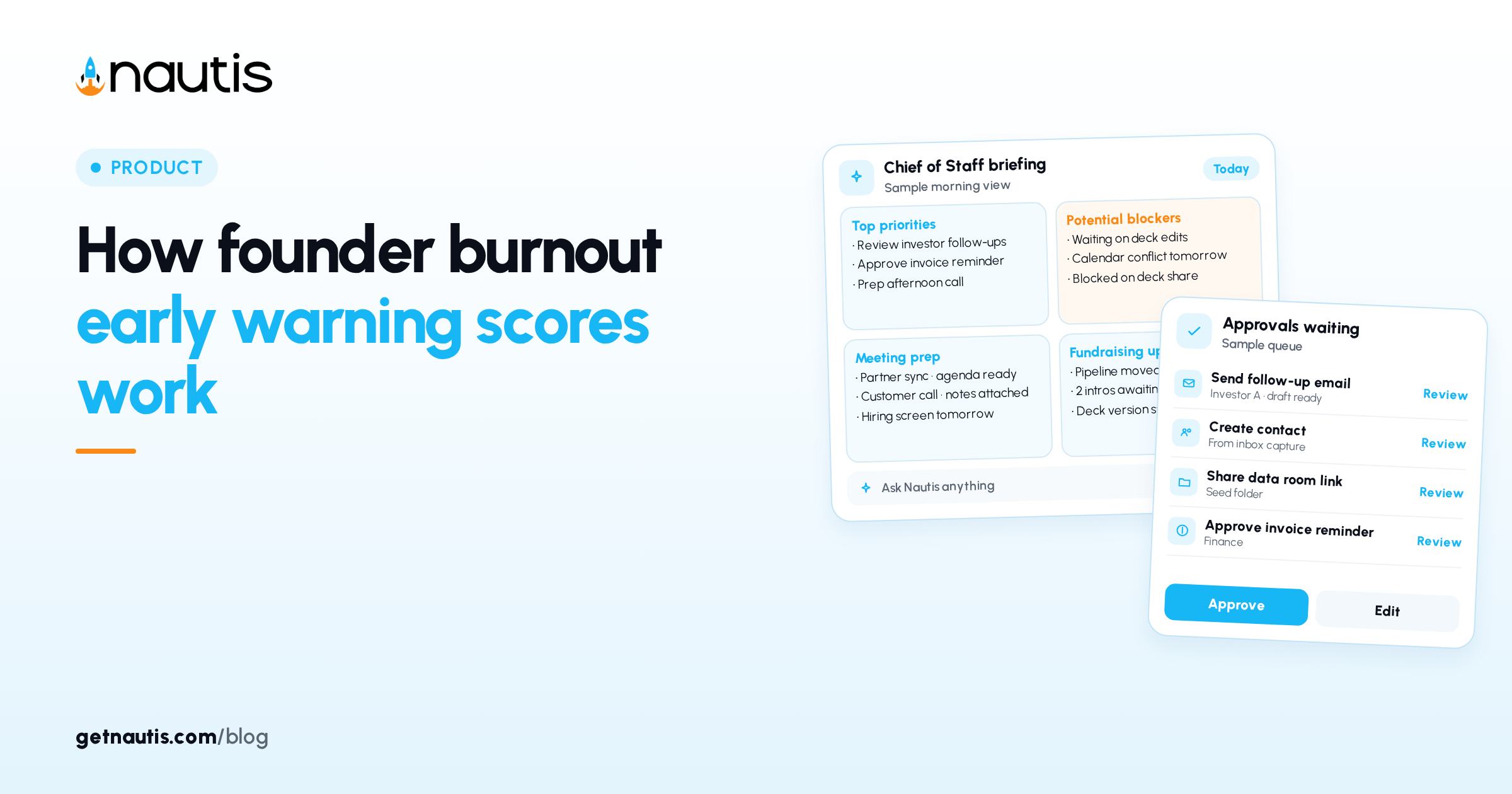
How founder burnout early warning scores work
 Baltej Singh8 min read
A founder burnout early warning habit is a short weekly self-check on energy, stress, sleep, work hours, decision load, and context switching. In Nautis that habit lives in Burnout Radar under Health & Wellness. You score six signals, see a 0 to 100 risk number (lower is better), and keep a private history so one rough week stays a data point, not a story you invent later. The product turns those answers into a burnout risk score, watches the trend, and can suggest small adjustments. You stay the owner of what changes on your calendar. Keep the check-in even in calm months so the baseline is real when a crunch arrives. Quiet weeks teach the Trend chart what normal looks like for you. Without that baseline, a single hard sprint looks like a permanent slope.
Why founder burnout early warning needs a weekly score
Memory flattens bad weeks. Without a fixed check-in you only notice strain after missed pledges or sharp replies. A 30-second self-check gives you a trend while you can still change the week. Pick one recurring calendar block for the check-in so it does not compete with inbox triage. Illustrative cadence (composite only): Monday 8:15 before Slack; five minutes including Journal one sentence.
Illustrative miss (composite only): a founder skips three Sundays, then calls a fundraising pause after two sleepless weeks that never appeared on any chart. Illustrative catch (composite only): Moderate risk two weeks in a row after a launch; founder cuts two standing meetings before High risk lands.
Burnout Radar is a personal self-check, not a diagnosis and not a performance tracker. You rate your own week; the score only reflects those answers. Scores are not shared with teammates for ranking, and they do not feed HR Management or employee-facing reports. This post is product how-to only, not medical or mental-health advice. If you need care beyond a self-check, talk to a qualified professional.
Open Burnout Radar and save this week's check-in
From the sidebar open Burnout Radar in Health & Wellness. Broader product docs sit in the Help Center. Click + Weekly Check-in. The Weekly Founder Check-in dialog shows this week's date and a progress bar. You need Burnout Radar permissions in the organization. Check-ins store against your user account. Teammates are not ranked against your numbers.
Rate each signal with the rounded buttons. Energy level, Stress level, Sleep quality, Decision fatigue, and Context switching use 1 to 5. Work intensity asks for average work hours per day: 6h, 8h, 10h, 12h, 14h, 16h, or 18h. Work intensity is the odd signal: it is hours, not a 1 to 5 button. Matching the hours you actually worked keeps the gauge honest when the other five look fine.
Optional: under How are you feeling?, tap one mood chip (Drained, Stressed, Neutral, Focused, or Energized). Tap again to clear it. Click Save Check-in. The dashboard refreshes with your score and trends. You can reopen + Weekly Check-in to edit this week's answers until the next week locks the prior row. Past weeks stay in History so you cannot quietly rewrite a bad month. That lock is intentional and keeps Trend trustworthy.
Illustrative first save (composite only): Energy 2, Stress 4, Sleep 2, Work intensity 12h, Decision fatigue 4, Context switching 5, mood Stressed.
If the dashboard still shows Get started, you have not saved a first check-in yet. The + Weekly Check-in control is the only required step to leave that empty state.
Read the six signals with the same scale each week
Use the same meanings every week so the History table stays comparable.
Signal | Scale in Burnout Radar | Low end | High end |
|---|---|---|---|
Energy level | 1 to 5 | 1 drained | 5 charged |
Stress level | 1 to 5 | 1 calm | 5 intense |
Sleep quality | 1 to 5 | 1 poor | 5 restorative |
Work intensity | hours per day | 6h | 18h |
Decision fatigue | 1 to 5 | 1 sharp | 5 exhausted |
Context switching | 1 to 5 | 1 focused | 5 fragmented |
Honesty beats optimism. Undercounting stress hides the pattern from yourself. The trend across weeks matters more than any single score.
When sleep improves but Decision fatigue and Context switching stay high, the gauge can still rise. Open What's affecting your risk before you assume the model is wrong. Illustrative mismatch (composite only): Sleep 5 and Energy 4 with Context switching 5 and Decision fatigue 5 still produce Moderate risk; contributor card names the fragmented days.
Read the risk band, contributors, and early-warning alerts
Your burnout risk this week is a self-check gauge from 0 to 100 built only from your answers. Lower is better. It is not a clinical rating. Labels: Low risk (green, sustainable), Moderate risk (amber, watch your pace), High risk (red, consider easing up). An arrow shows change from last week (down is better). Do not chase zero. Low risk already means a sustainable zone. Use Moderate as a pace check and High as a hard stop on new commitments for a few days.
What's affecting your risk lists top contributors such as Stress, Sleep, Decision load, Context switching, or Energy dip, with per-week change. Early-warning alerts flag multi-week patterns, or show All clear when quiet. All clear means the recent pattern did not trip an alert, not that the week felt easy. Still read the contributor list. After several consecutive weeks, an AI Weekly Summary can explain the picture and add a Recommendation. Those AI cards use organization AI credits; the standard check-in does not. Related planning work can live in Decision Loop when you need a separate place for hard calls, without turning Burnout Radar into a performance file.
Illustrative read (composite only): score 62 Moderate, up from 48; contributors Sleep and Context switching; Recommendation to protect one deep-work block.
Use suggested adjustments and the recovery playbook
Under the contributors card, click View suggested adjustments for up to five small changes (for example a short no-meeting window). For a denser plan when risk is high, use the AI recovery playbook button for a multi-day plan with titles, descriptions, and durations. The plan saves with this week's check-in so you can reopen it later. View suggested adjustments stays useful when you only need one or two changes. Save the playbook when you want a dated sequence you can reopen beside History.
Illustrative plan use (composite only): playbook lists three days with shorter deep-work blocks; founder keeps the calendar edits and ignores tips that do not fit a shipping week. If risk is Low and you feel fine, skip the playbook. Use View suggested adjustments only when the band or alerts say the pace needs a change.
Treat suggestions as options. You still choose what to change. Pair heavy weeks with honest Work intensity values so the score matches the hours you actually worked.
Do not invent extra score math outside the product. Use the gauge, band, and contributor list as the shared language when you write a Journal note about what you will cut next week. One concrete cut beats a long list you will not keep. Write that cut in Journal the same day you see Moderate or High.
Review History, Trend, and Journal without sharing the score
On the dashboard, open History for past check-ins with week, score, risk band, mood, and individual signals. Open Trend for the last eight weeks plus a 4-week rolling average. A streak badge appears after two or more consecutive weeks. Use the streak as a habit cue, not a vanity metric. Missing one week resets the badge and leaves older rows intact.
Open Journal to type a short private note, then Save. Older entries stack below. Nautis can summarise long journal entries with AI (credits apply). Older weeks stay locked so history stays honest; you can still edit the most recent check-in. Journal text stays with your check-in history. Keep triggers concrete ("three investor calls after 9pm") so next month's Trend review explains the spike.
Illustrative review (composite only): eight-week Trend shows a rise after a launch; Journal notes "support queue overload" on two High risk weeks.
Missed a week? Nothing breaks. Take the next check-in when ready. The streak resets; history remains. Export of the full table is not available today; scroll History and use Trend for the recent window. The dashboard works on mobile, with a shorter check-in control and tap-friendly signal buttons. On a phone, complete the six signals before you open email. The shorter check-in label still opens the same Weekly Founder Check-in dialog.
Hide Intro Section when the hero copy is familiar. Keep one fixed slot (Sunday evening or Monday morning) so the check-in stays automatic.
Co-founders each keep their own private series. Nothing on the Burnout Radar dashboard ranks people against each other. If someone asks for your number in a team channel, decline. The help text is explicit: this is wellness, not a grade. A founder burnout early warning practice works when the score is private, weekly, and honest enough that Moderate and High bands trigger calendar changes the same week.
Sources
- Nautis Help Center, Burnout Radar: https://getnautis.com/help-center/team-and-people/burnout-radar (checkedOn 2026-10-31)
- Nautis Help Center, AI credits & usage: https://getnautis.com/help-center/account-and-organization/ai-credits-usage (checkedOn 2026-10-31)
- Nautis Help Center, Decision Loop: https://getnautis.com/help-center/strategy-and-planning/decision-loop (checkedOn 2026-10-31)
Frequently asked questions
Can my co-founder see my Burnout Radar score?
No. Each member's check-ins are private. The dashboard shows your data only, and scores are not ranked against teammates.
Is Burnout Radar a performance review?
No. It is a personal wellness tool. Scores do not appear in HR Management or other employee-facing reports.
What happens if I miss a week?
Nothing breaks. Take the next check-in when ready. Your streak resets, but History stays intact.
Do check-ins use AI credits?
Standard check-ins do not. AI Weekly Summary, recovery playbooks, and journal AI summaries use a small amount of organization AI credits.
Sources
- Nautis Help Center, Burnout Radar. Checked on October 31, 2026.
- Nautis Help Center, AI credits & usage. Checked on October 31, 2026.
- Nautis Help Center, Decision Loop. Checked on October 31, 2026.
Baltej Singh is a serial entrepreneur, technology leader, and Founder & CEO of Nautis and DemoVexa, with over 16 years of experience building software products, SaaS platforms, and startups. Previously the Co-Founder & CTO of SanchiConnect, he has worked extensively in the DeepTech startup ecosystem, connecting with 200+ venture capital firms and supporting a network of 4,000+ startups. Passionate about AI, automation, and entrepreneurship, he focuses on building innovative products that solve real-world problems and help businesses grow.