How startups should invoice customers
 Baltej Singh9 min read
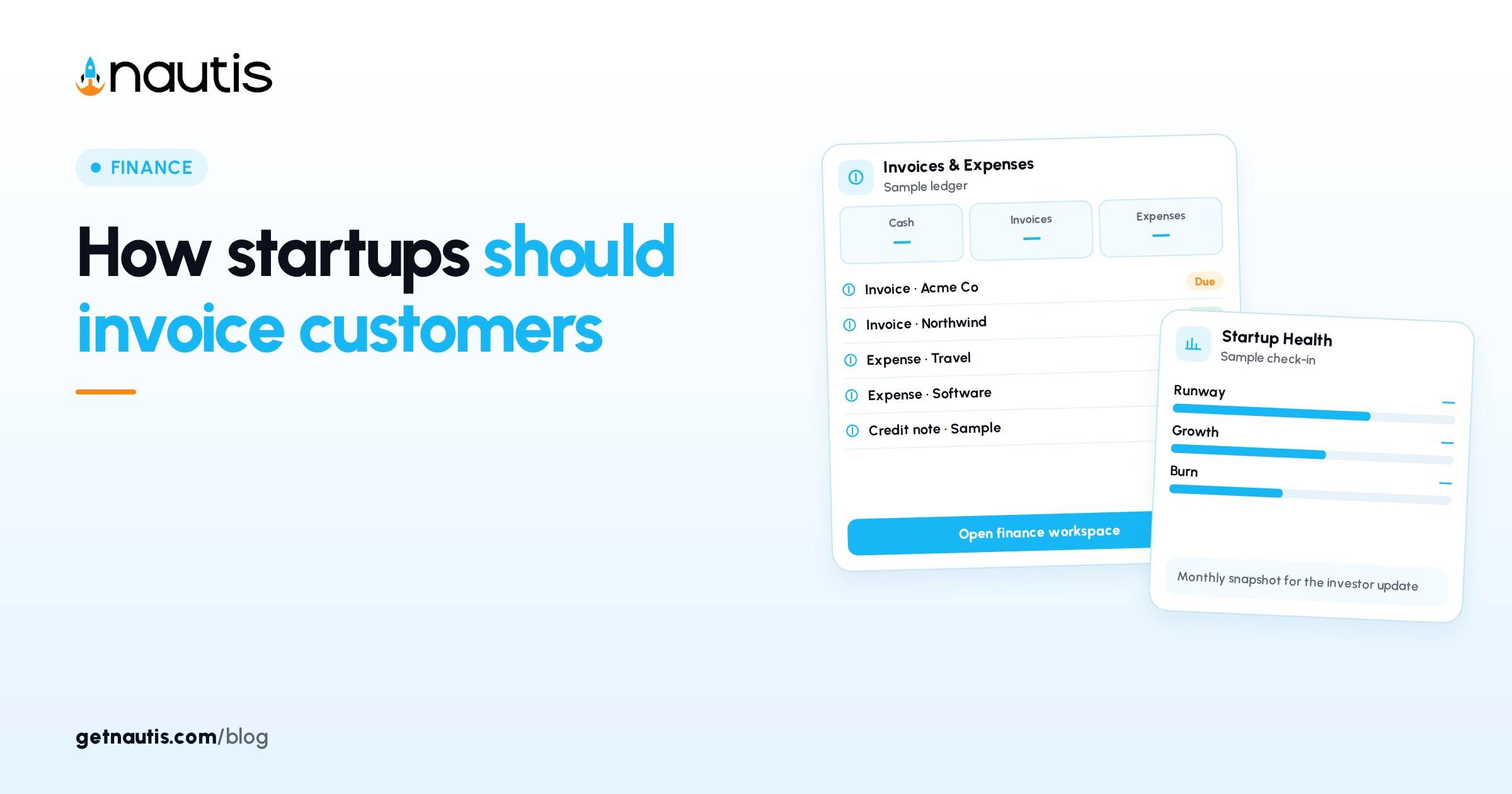
Invoice basics for startups means billing customers with a clear path from draft to paid, not pasting a PDF into email and hoping. Nautis Invoices is a full invoicing tool for billing your customers. You add clients and products once, then generate professional PDF invoices, send them by email, track who has paid, record partial payments, set up recurring invoices for retainers, and view revenue analytics. Credit notes let you refund or reverse an invoice cleanly. This is the billing your customers module. It is different from Invoices and Payments in your organization settings, which is your Nautis subscription billing. This post is operating guidance. It is not tax or legal advice. Local invoice, VAT, GST, and sales-tax rules may require fields or wording beyond what a general product form ships. Use counsel or an accountant for that layer.
Walk the status path, not a blank template
Invoice basics for startups start with status, not fonts. A new invoice starts in Draft status. It is not visible to anyone outside your team yet. When you send, the status moves to Sent automatically. Recording payments reduces the balance. When fully paid, the status flips to Paid automatically. If the due date has passed and the invoice is not paid, the Due Date is flagged with an Overdue badge. Credit notes reverse or refund cleanly when you must unwind a send.
Illustrative path for Harbor Soft (composite only): Draft for a $4,800 onboarding fee, Send to the client email, Record Payment for $2,400 as a first installment, then Record Payment for the rest until Paid. No second PDF in a private Drive folder. One invoice record holds the timeline.
Status discipline beats template shopping. A beautiful unpaid PDF that never moves from Draft helps nobody. A plain Sent invoice with Record Payment on the day cash arrives funds payroll.
Settings and directory before the first create
From the sidebar, open Finance and click Invoices. Before your first invoice, open Settings in the sidebar and fill in company name, address, email, phone, and website; your logo; default currency, default notes, and default terms; and an optional signature image. Nautis will warn you if you try to create an invoice before settings are complete.
Add a client once: Name, Email, Phone, Company, and billing address. Add a product or service with a default Price so line items pre-fill description and rate. Invoice basics for startups fail when every invoice retypes the same customer address with a new typo.
Illustrative setup order (composite only): logo and company legal name first, then default Net-15 or Net-30 terms, then the three products you sell every week, then clients with billing emails that a human monitors. Skipping Settings to create one anyway trains the team to ignore process after the product warning appears.
Creating and sending invoices needs create permission and a verified email. The Invoices module must be enabled on your plan, and your plan caps how many invoices you can create per month.
Status and action table
Status or signal | What it means | Typical next action |
|---|---|---|
Draft | Internal only; PDF generated but not customer-visible | Review line items, then Send |
Sent | Customer emailed the PDF and payment-tracking link | Wait for funds or send a polite follow-up |
Amount Paid / Balance Due | Metrics on the detail page | Record Payment when money lands |
Overdue badge | Due Date passed and not paid | Follow up; do not silently recreate the invoice |
Paid | Balance cleared | Keep history; do not rewrite the past |
Credit note | Refund or reverse | Issue against the original; keep audit trail |
Anyone with read access to the Invoices module can see invoices, clients, and products. Admins and creators own the Send and Record Payment discipline.
Teach the difference between Sent and Paid in onboarding. Sales often celebrates Send. Finance only celebrates Amount Paid matching the bank. Invoice basics for startups that conflate those two statuses will overstate revenue in weekly standups.
Create, preview, and send without a second system
Click All Invoices, then Create Invoice. The Create Invoice page shows a form on the left and a live PDF preview on the right. Fill Invoice Number (leave blank for the next auto-number, or override), Due Date, and Select Client. Add line items from Products. Tax Name and Tax Rate (%) apply to the subtotal. Discount Type and Discount Value can be flat or percent. Notes and Terms default from settings.
Click Create Invoice. Nautis saves the invoice, generates the PDF, and opens the detail page in Draft. While Draft, click Send, pick the recipient email, tweak subject and message, and confirm. Nautis emails the PDF and a payment-tracking link. If you delivered the PDF another way, use Mark as Sent from the menu so status still matches reality.
Illustrative Harbor miss (composite only): founder emailed a Word export from a laptop, then created a Draft later with a different total. The customer paid the Word number. Finance could not match Record Payment to a Sent invoice. One create-then-send path would have prevented the mismatch.
When sending, you can add additional recipients in CC so each gets the same email with the PDF attached. Use that for the customer finance contact, not as a substitute for your own All Invoices review.
Record Payment, partials, and recurring
On the invoice detail page, the metrics bar shows Total Amount, Amount Paid, Balance Due, and Due Date. When a customer pays, click Record Payment. Enter the Amount received, the Payment Date, and the Payment Method (bank transfer, card, cash, cheque, and similar). Add a Reference if you want. Save. Partial payments stay visible in the invoice activity timeline.
Recurring invoices cover retainers, subscriptions, and predictable monthly billing so you do not recreate the same bill by hand. Invoice basics for startups that skip recurring for a fixed retainer will miss a month and then rush a backdated Draft.
Credit notes are for clean refunds or reversals. Do not delete a Sent invoice to fix a pricing error after the customer has a PDF. Issue the credit note and, if needed, a corrected new invoice.
Illustrative partial (composite only): Harbor records $1,600 of $4,800 on Monday, $1,600 on the fifteenth, and the remainder at month end. Balance Due stays honest between dates. Nobody invents a second invoice number for the same engagement.
Illustrative first-month cadence
Illustrative Harbor Soft month (composite only): Week 1: finish Settings, import or add five clients, add three products. Week 2: create and Send every closed deal invoice within one business day of signature. Week 3: Record Payment the same day cash hits the bank; chase Overdue twice weekly. Week 4: turn the monthly retainer into a recurring invoice; review revenue analytics for unpaid concentration.
Tie cash collection to runway habit. See How to calculate startup burn rate and runway. An invoice marked Sent is not cash. Amount Paid is what feeds the bank balance you use for burn.
Keep expenses and customer billing in their lanes. Expenses tracks spend out. Invoices bills customers in. Mixing both in one spreadsheet tab is how Overdue and personal card receipts disappear. For tool sprawl that causes that mix, see Manage a startup without 15 tools.
Invoice basics for startups after send
Do not edit a Paid invoice into a new story. If scope changes mid-engagement, Send a new invoice for the delta or use a credit note plus a replacement. Invoice basics for startups include a named owner for All Invoices each week: who opens Overdue, who records payments, who checks that Drafts older than seven days are either sent or deleted on purpose.
For multi-seat teams, write who may click Send and who may click Record Payment. Create permission is not the same as a verified bank reconciliation habit. Pair them. Without that split, teams produce duplicate Sends and payments recorded twice against the same balance.
When you choose where financial planning and invoicing sit together, compare options with Best startup financial planning tools for founders. Whatever stack you pick, one status path must remain the source of truth for what customers owe.
Measure monthly: days from Create Invoice to Send, days from Sent to first Record Payment, count of Overdue, and share of revenue on recurring. If Drafts pile up, the bottleneck is usually missing client emails or unfinished Settings, not PDF design. Fix the directory, then the queue.
When a customer asks for a copy, download the PDF from the invoice record rather than forwarding an old attachment from personal mail. The record stays the source of truth for Balance Due and payment history.
Invoice basics for startups are done when a teammate can open Finance, find Invoices, and answer four questions without a Slack ping: which Drafts are waiting, which Sent rows are Overdue, which partials still show Balance Due, and which retainers run on recurring. That is the practice. The module supplies Draft, Send, Record Payment, Overdue, Paid, recurring, and credit notes. Your cadence supplies the rest.
Reconcile Amount Paid to the bank weekly, not only at month close. A Record Payment dated wrong by a week will break your cash chart even when the customer truly paid. Invoice basics for startups treat the payment date as a finance fact, not a convenience click.
If a client disputes a line item after Send, freeze further Record Payment against that invoice until you agree the number. Then credit note or amend with a new invoice. Arguing in email while the Balance Due still shows the old total confuses both sides.
Keep product names boring and stable. Renaming a Product under you every sprint makes historical invoices harder to explain in diligence. Add a new product for a new offer; leave sold history alone.
Frequently asked questions
Is Nautis Invoices the same as organization Invoices and Payments?
No. Invoices under Finance bills your customers. Invoices and Payments in organization settings is your Nautis subscription billing.
What status does a new invoice start in?
Draft. It is not visible outside your team until you Send or Mark as Sent.
How do partial payments work?
Record Payment with the amount received. The balance drops; partials stay on the activity timeline until the status flips to Paid.
Who can create and send invoices?
Creating and sending needs create permission and a verified email. The module must be enabled, and plans may cap monthly invoice count.
Sources
- Nautis Invoices help. Checked on October 31, 2026.
- How to calculate startup burn rate and runway. Checked on October 31, 2026.
- Manage a startup without 15 tools. Checked on October 31, 2026.
Baltej Singh is a serial entrepreneur, technology leader, and Founder & CEO of Nautis and DemoVexa, with over 16 years of experience building software products, SaaS platforms, and startups. Previously the Co-Founder & CTO of SanchiConnect, he has worked extensively in the DeepTech startup ecosystem, connecting with 200+ venture capital firms and supporting a network of 4,000+ startups. Passionate about AI, automation, and entrepreneurship, he focuses on building innovative products that solve real-world problems and help businesses grow.