
How to host a webinar for a B2B startup
 Baltej Singh9 min read
Here is how to host a webinar for a B2B (business-to-business) startup: pick one narrow problem your buyers already have, promise a specific thing they will leave with, and plan the follow-up before you plan the slides. A small team can run a useful 45-minute session with two people, a registration form, three reminder emails and a written run of show. The webinar earns its keep in the week after, when you follow up differently with people who asked questions, people who watched, and people who registered but never showed.
When an early webinar disappoints, the cause is often ordinary. The topic was the product, so the only people who came were already customers, and the follow-up was one generic "thanks for joining" email sent to everyone. Neither problem needs a bigger budget to fix.
This guide is for a founder or the first marketing hire planning the company's first few webinars, using whatever video tool you already pay for.
Is a webinar the right format for your topic?
A webinar works when your buyers have a problem that is easier to show than to describe, and when hearing other people's questions adds something. Live sessions also give a small company a reason to email a list without asking for anything.
It tends to work well for:
- A walkthrough of a process your buyers do every month, such as closing the books or preparing an audit
- A rule change or deadline that affects your buyers, explained in plain terms
- A conversation with one customer or partner who solved the problem your product addresses
- A live teardown of a real example that attendees volunteer in advance
It is the wrong format when the content is a short announcement, when you have no list or community to invite yet, or when the honest answer to the topic fits in a blog post. In those cases, write the post and save the webinar for later.
Pick one topic and one next step before you set a date
Write down two things before booking anything: the single problem the session solves, and the single action you hope attendees take afterward. The action is usually booking a call, starting a trial or downloading a worksheet. If you can't name it, the follow-up will be vague too.
Specific titles attract the people who actually have the problem. Compare:
Vague topic | Specific topic | Who it pulls in |
|---|---|---|
The future of finance ops | How to close the month in five working days with a team of two | Finance leads at small companies |
Hiring tips for startups | Writing a scorecard for your first engineering hire | Founders about to hire |
Product demo and roadmap | Three ways teams prepare for a security review, with live examples | Buyers facing a review soon |
Ask us anything | Fixing a broken lead form: five forms rebuilt live | Marketers with poor form results |
The right-hand titles are examples, not tested headlines. The pattern is what matters: a named outcome, a named reader, and a promise you can keep inside 45 minutes.
Choose a date at least two weeks out so invitations have time to work. Look at when your own list opens and replies to email, and pick a day that fits. If most of your buyers sit in one time zone, schedule for their mid-morning or early afternoon and show the time in their zone on every invite.
Registration and reminders in the weeks before
Keep the registration form short. Name, work email, company and one optional question such as "What would you like us to cover?" are enough. That last answer is useful twice: it shapes your content, and it gives you a personal opening line for the follow-up.
A workable schedule for the run-up:
- Three weeks out: publish the registration page and send the first invitation to your list.
- Two weeks out: post the session on the channels where your buyers already spend time, and ask one partner or customer to share it.
- One week out: send a second invitation that adds one concrete detail, such as a guest name or an example you will cover.
- One day before: send a reminder with the joining link and the time in the attendee's zone.
- One hour before: send a short final reminder with only the link.
Every reminder should repeat what the attendee will leave with. People forget why they signed up faster than they forget the time. For more on keeping forms short and useful, see how to build custom forms for lead capture.
Who does what during the session
Even a small webinar runs better with two people, because one person cannot present, read the chat, fix a dropped connection and watch the clock at the same time.
Role | Before the session | During the session | After the session |
|---|---|---|---|
Host | Writes the run of show, runs the rehearsal | Opens, introduces, keeps time, runs the question segment | Signs the follow-up emails |
Presenter | Builds the slides or demo, prepares examples | Delivers the main content | Answers the questions that were left over |
Producer or moderator | Tests the tool, prepares links to share | Watches the chat, collects questions, posts links, handles tech problems | Exports the attendee list and the questions |
On a two-person team, the host often also acts as moderator. Rehearse once, end to end, two or three days before. Use the real tool, share your screen, and run the demo on the account you will use live. The rehearsal is where you want technical surprises to show up.
How to host a webinar on the day: a minute-by-minute run of show
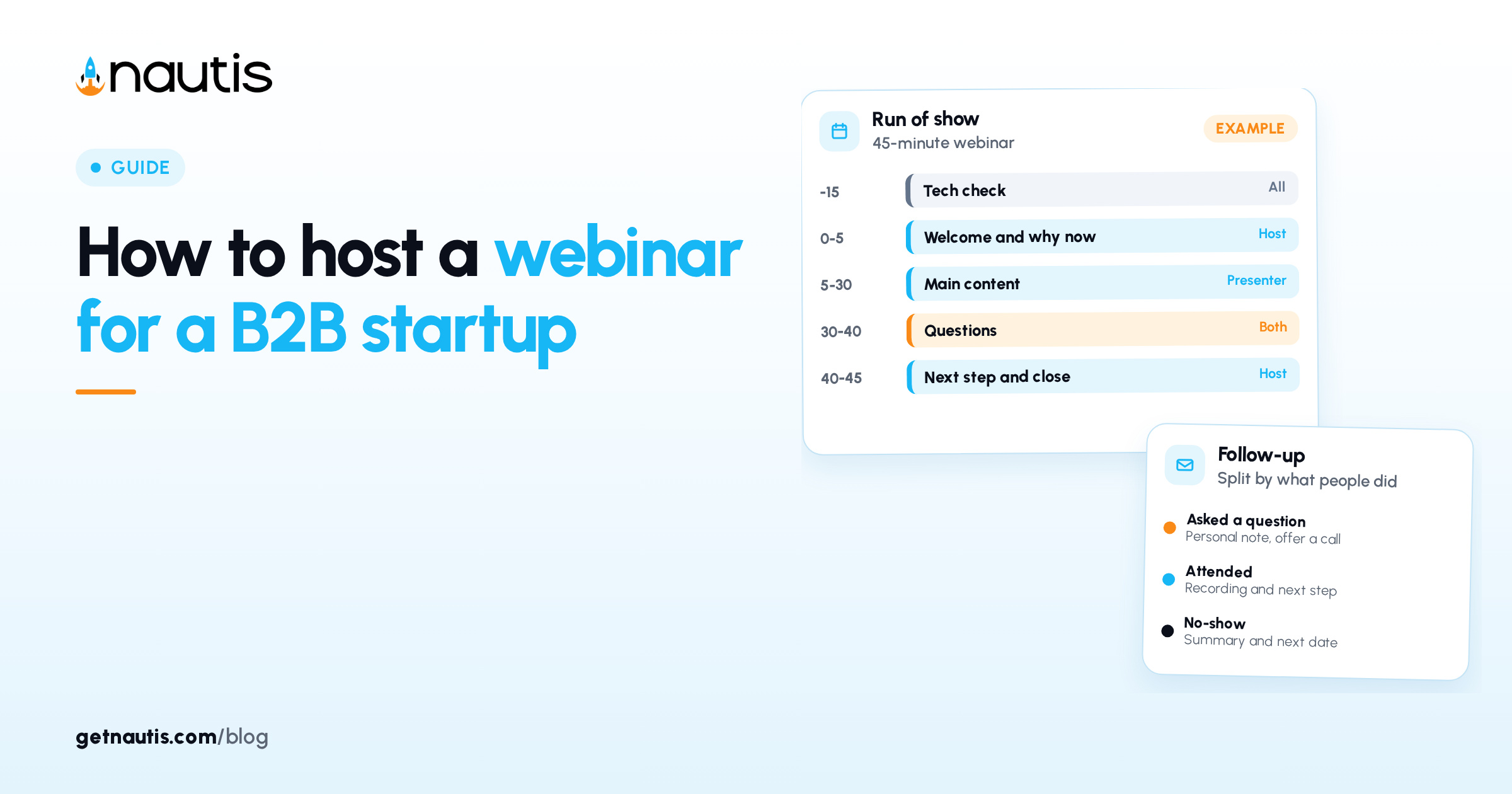
A written run of show keeps the session on time and makes sure the question segment doesn't get squeezed. Here is an example for a 45-minute session. Adjust the minutes to your content.
Time | Segment | Who | Notes |
|---|---|---|---|
-15 | Tech check | All | Join early, test audio, close other apps and notifications |
0 to 2 | Welcome while people arrive | Host | Say what the session covers and when questions will be taken |
2 to 5 | Why this topic now | Host | One short story or example from a real buyer conversation |
5 to 30 | Main content | Presenter | Three parts at most, each with a concrete example |
30 to 40 | Questions | Host and presenter | Start with a question collected at registration if the chat is quiet |
40 to 43 | Next step | Host | State the one action, once, with the link posted in the chat |
43 to 45 | Close | Host | Say when the recording will arrive, then end on time |
A few habits make a noticeable difference. Start on time even if numbers are still rising, out of respect for the people who arrived when you asked them to. Read questions aloud before answering them, since many people listen without watching the chat. When a buyer raises a concern about your product in the questions, answer it directly and plainly; handling objections during demos covers the same skill in a one-to-one setting.
End when you said you would. If good questions remain, offer to answer them by email.
What should you send after the webinar?
Send a follow-up within one working day, and split it by what each person did. One message for everyone wastes the most useful signal the webinar produced.
- Asked a question or stayed for the questions: a personal note from the host that answers or expands on their question and offers a short call.
- Attended but stayed quiet: the recording, the slides or worksheet, and the one next step from the session.
- Registered but didn't attend: the recording with a two-line summary of what was covered, and an invitation to the next session.
Log each attendee who asks for a call as a lead with the webinar as its source, so you can later see whether webinars produce deals. If your pipeline stages are still loose, setting up sales pipeline stages explains how to make them countable.
Webinar follow-ups that promote your product are commercial email under the United States CAN-SPAM Act (formally the Controlling the Assault of Non-Solicited Pornography and Marketing Act). Section 7704 of Title 15 requires these messages to include a working way to opt out and a valid physical postal address of the sender, and it makes it unlawful to keep sending covered messages more than 10 business days after someone opts out. The Federal Trade Commission's rule at 16 CFR (Code of Federal Regulations) Part 316 adds detail. This is not legal advice, so check your own email practices with a lawyer, especially if you email people outside the United States.
Running the webinar logistics with Nautis
You can run all of this with a video tool, a form builder and a spreadsheet. If your team already uses Nautis, these parts line up with the work, based on the Nautis help center:
- Custom forms can build the registration page from a template or a blank form, publish it at a public URL (web address), and share it as a link, an embed code, a short URL or a downloadable QR (quick response) code. Entries can be exported as CSV (comma-separated values) or JSON (JavaScript Object Notation) files.
- Contacts can import a CSV using its download template, which is one way to bring registrants in after the session.
- Leads CRM (customer relationship management) lets you create a lead with a source such as Event / Conference or Inbound, and move it through pipeline stages you define.
- Meetings and scheduling gives each event type its own booking link, which you can paste into the follow-up for people who want a call.
Plan the next session from the questions you collected. The ones you couldn't answer in time often make a good topic for the following month.
Frequently asked questions
How long should a B2B webinar be?
Forty-five minutes is a workable length for a first webinar, with about 25 minutes of main content and 10 minutes for questions. Shorter sessions suit narrow topics. Whatever length you pick, state it on the registration page and end on time.
How far in advance should you promote a webinar?
Two to three weeks gives invitations and partner shares time to reach people. Send a reminder the day before and a short one an hour before with the joining link. Each reminder should repeat what the attendee will leave with.
What should you send people who registered but did not attend?
Send the recording with a two-line summary of what was covered and an invitation to your next session. Keep it short and separate from the note you send to people who asked questions.
Do webinar follow-up emails need an unsubscribe link?
In the United States, follow-ups that promote your product count as commercial email under the CAN-SPAM Act, which requires a working opt-out and a valid physical postal address. Opt-outs must be honored within 10 business days. Check your own practices with a lawyer.
Sources
- 15 U.S.C. 7704, Other protections for users of commercial electronic mail (govinfo). Checked on November 17, 2026.
- 16 CFR Part 316, CAN-SPAM Rule (eCFR). Checked on November 17, 2026.
- Nautis Help Center, Custom Forms. Checked on November 17, 2026.
- Nautis Help Center, Contacts. Checked on November 17, 2026.
- Nautis Help Center, Leads & Sales CRM. Checked on November 17, 2026.
- Nautis Help Center, Meetings. Checked on November 17, 2026.
Baltej Singh is a serial entrepreneur, technology leader, and Founder & CEO of Nautis and DemoVexa, with over 16 years of experience building software products, SaaS platforms, and startups. Previously the Co-Founder & CTO of SanchiConnect, he has worked extensively in the DeepTech startup ecosystem, connecting with 200+ venture capital firms and supporting a network of 4,000+ startups. Passionate about AI, automation, and entrepreneurship, he focuses on building innovative products that solve real-world problems and help businesses grow.